Before you start:
- HubSpot CRM permissions are read-only and used to pull data for opportunity attribution reporting in Metadata.
-
Specific HubSpot CRM permissions requested by Metadata:
- View details about contact lists
- View properties and other details about contacts
- View details about deals
- View details about property settings for companies
- View details about property settings for contacts
Connect HubSpot CRM to activate attribution for influenced or triggered deals, and measure funnel performance.
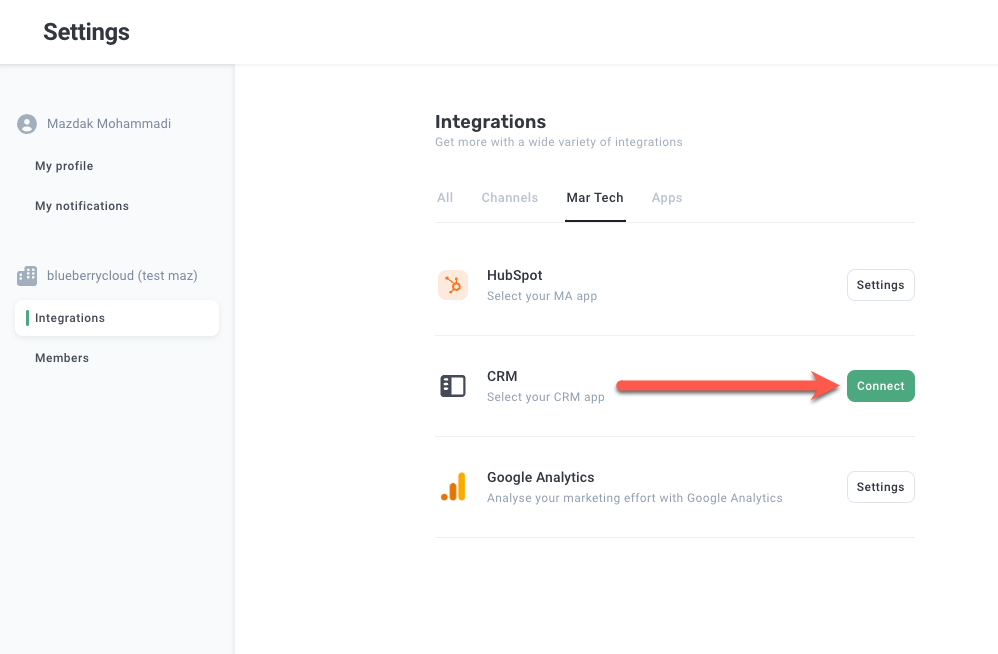
- Go to the Integrations page
- Click Connect in the CRM box
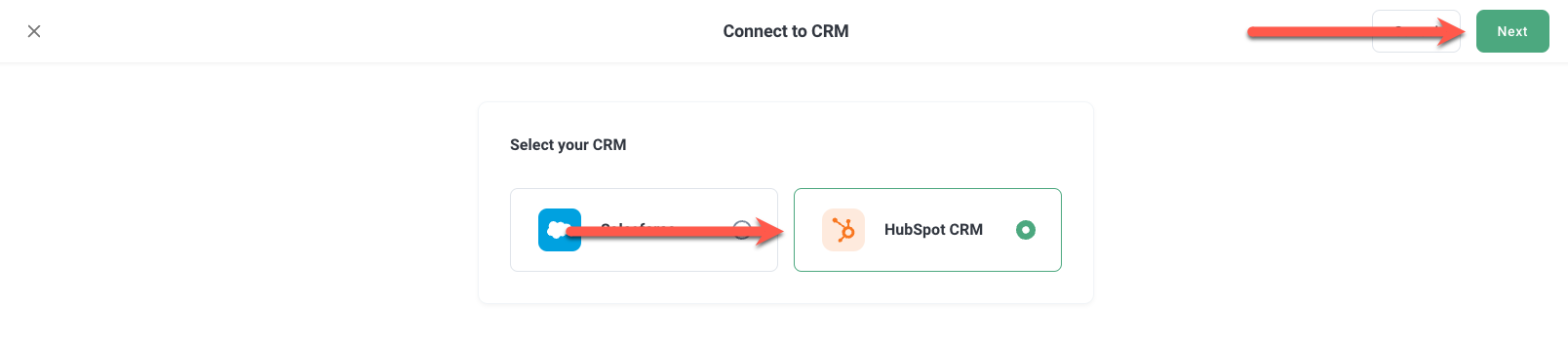
- Select HubSpot CRM
- Click Next
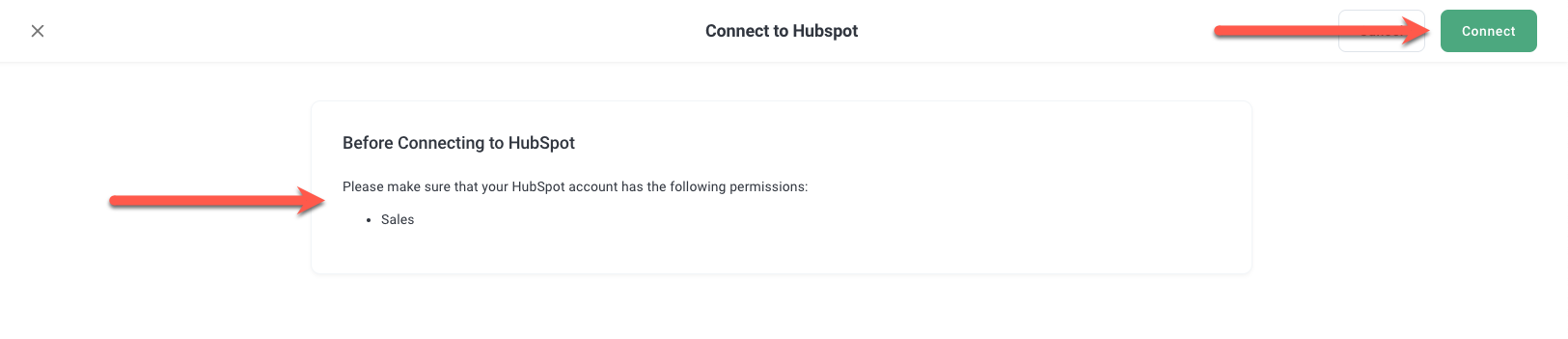
- Verify that you have the correct permissions, and click Connect
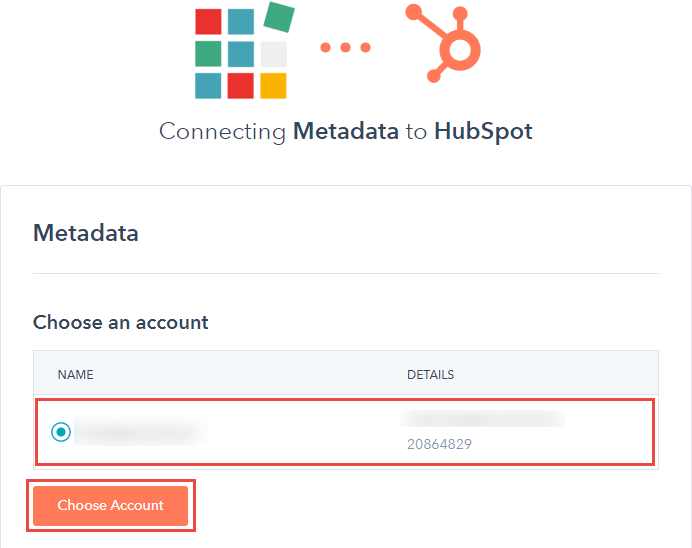
- Log in to your HubSpot account, if prompted
- Select your HubSpot account, and click Choose Account
- Click Connect app
Congratulations! You've successfully connected HubSpot CRM. Read All about: Opportunity Attribution to configure your opportunity attribution settings.