Symptom
You are not seeing the data you expect in these sections:
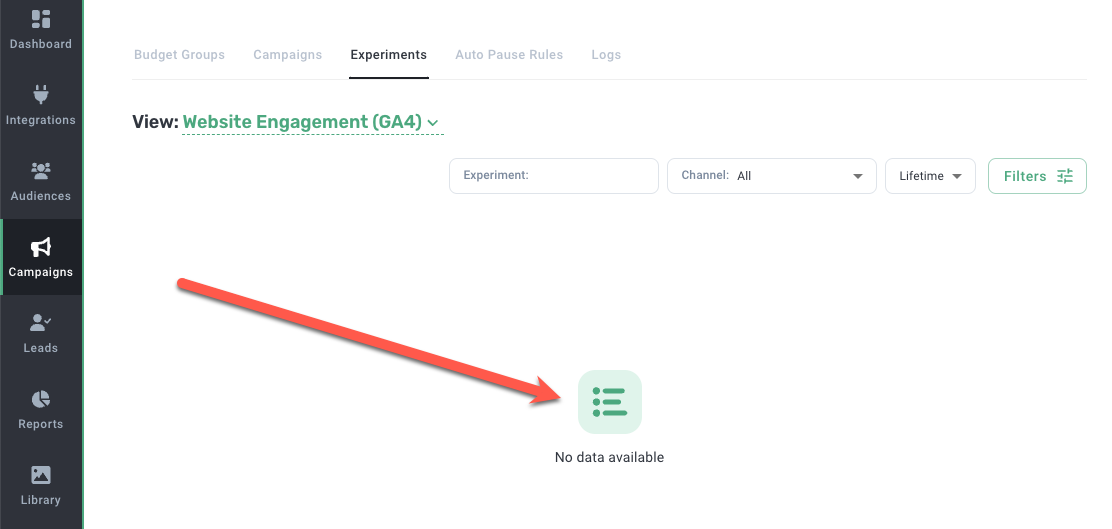
Issue
GA4 is placing a threshold on your data which prevents it from appearing in Metadata.
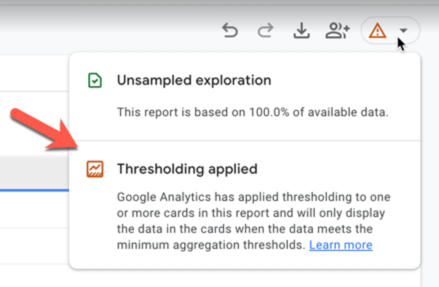
Note: We don't outline the exact steps for getting to the warning in GA4 since it's multi-step and varies from environment to environment. However, if you're versed in GA4, then you can use the Explore functionality to run a report showing all Metadata landing pages with UTMs. If the metadata_cid UTM isn't appearing and the threshold warning displays then the resolution below may help.
Resolution
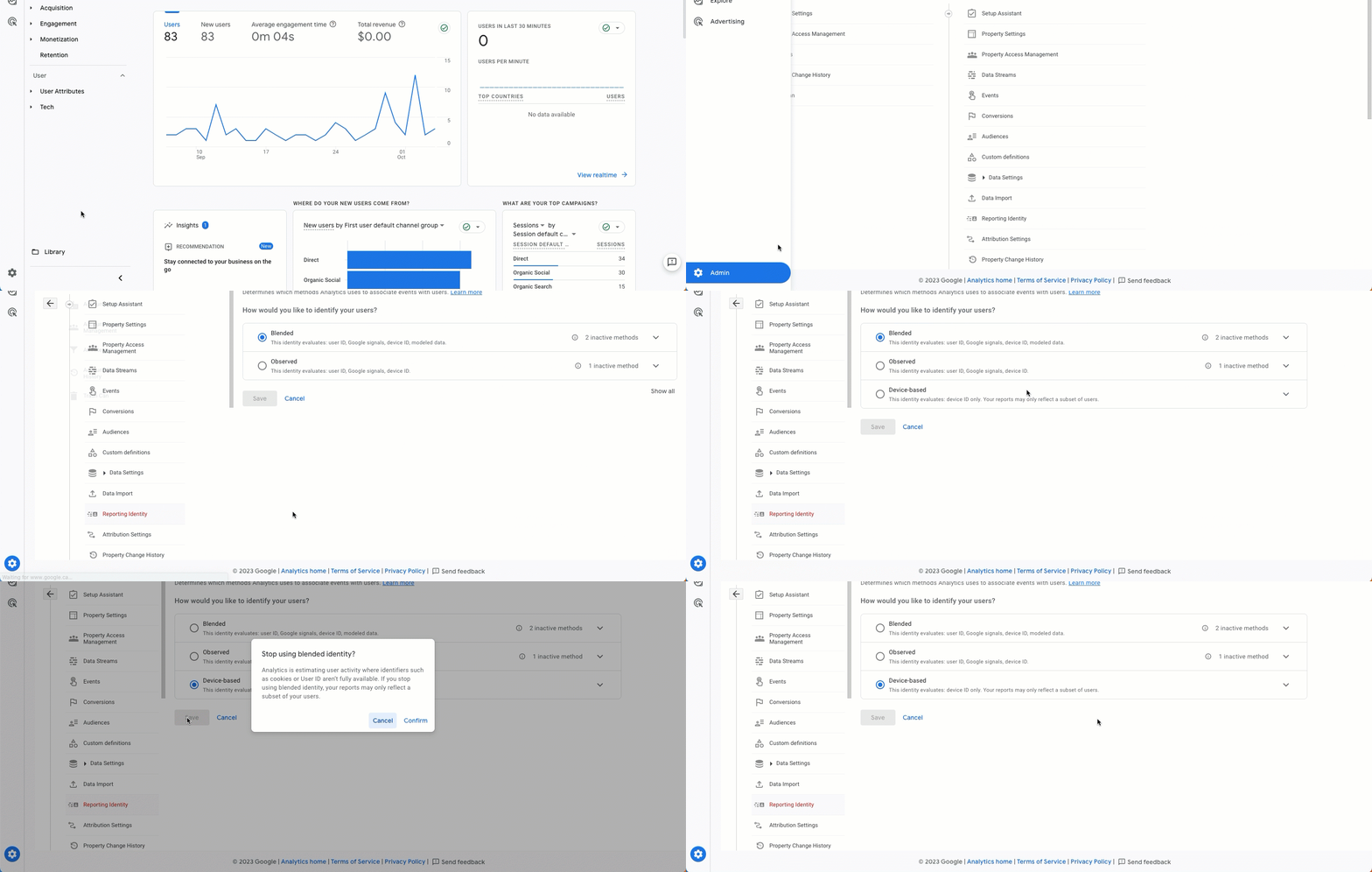
In GA4:
Go to Admin > Reporting Identity.
Click show all.
Change to Device-based.