Pacing highlights issues related to campaign experiments overspending too early or underspending too late.
Maintain healthy pacing for budget groups using the steps below:
View monthly pacing
View budget group pacing using these steps:
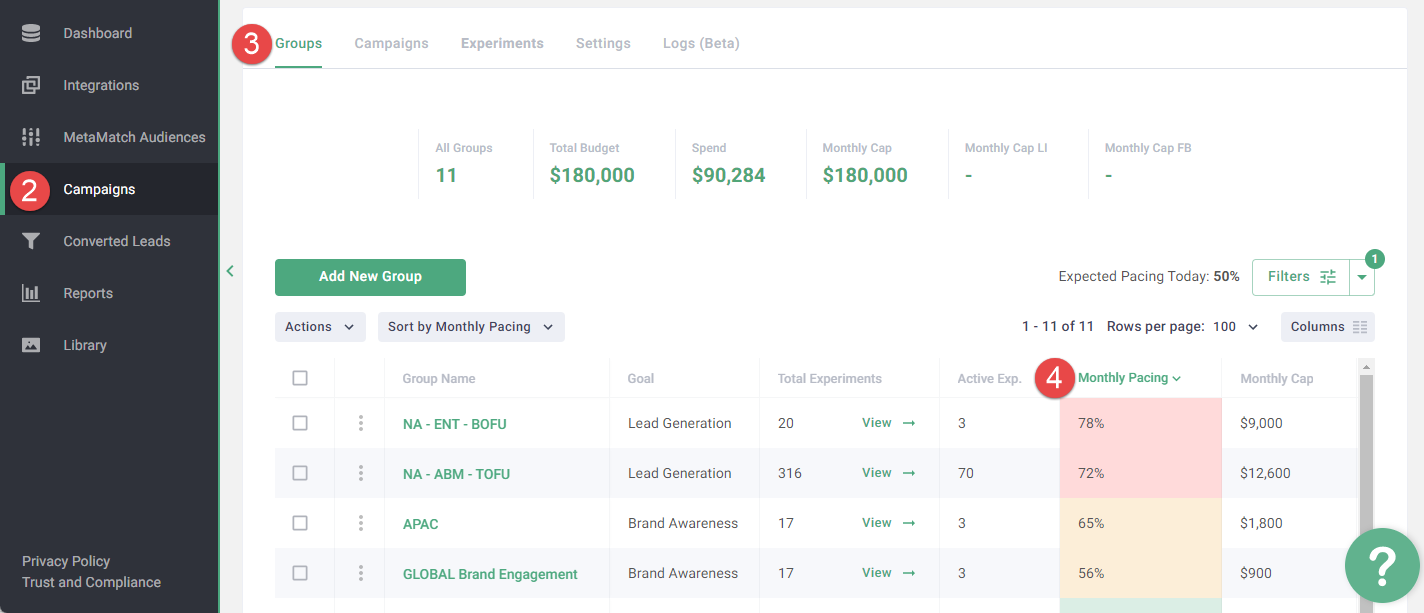
- Log in to the Metadata platform
- Click Campaigns on the left navigation
- Click Groups in the upper navigation
- Select Sort by Monthly Pacing (descending) in the upper left hand side of the budget group table
Monthly Pacing uses color codes to indicate pacing health:
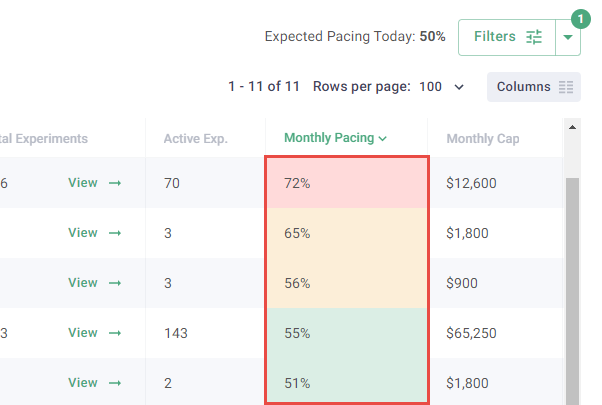
Pacing health compares your actual pace of spend to the expected pace for this point in the budget period (which factors in how much of the period has elapsed) — not simply spend / budget. The percentage of budget spent is shown separately.
Note: Regardless of color code, please take the following steps for all budget groups with active experiments to ensure optimal pacing.
Red = over or under pacing by more than 15% and requires attention
Yellow = over or under pacing by 5-15% and worth reviewing
Green = over or under pacing less than 5% which is healthy
Resolve issues related to pacing
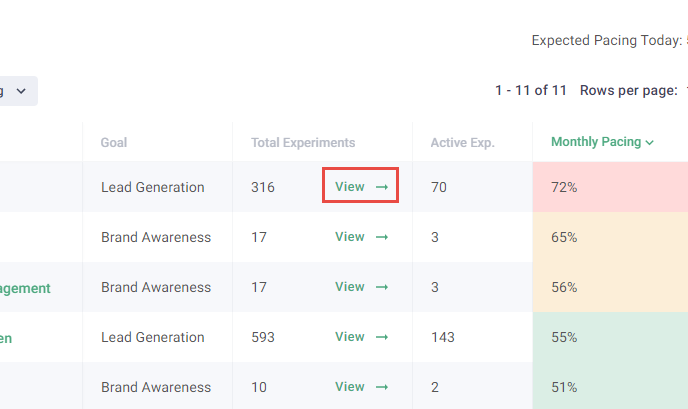
Click View in the Total Experiments column to view the budget group experiments.
Suggested budget vs actual budget
Suggested daily budget is the daily spend necessary to use the remaining budget within the remaining duration.
Actual daily budget is based on a sum total of active experiment daily budgets.
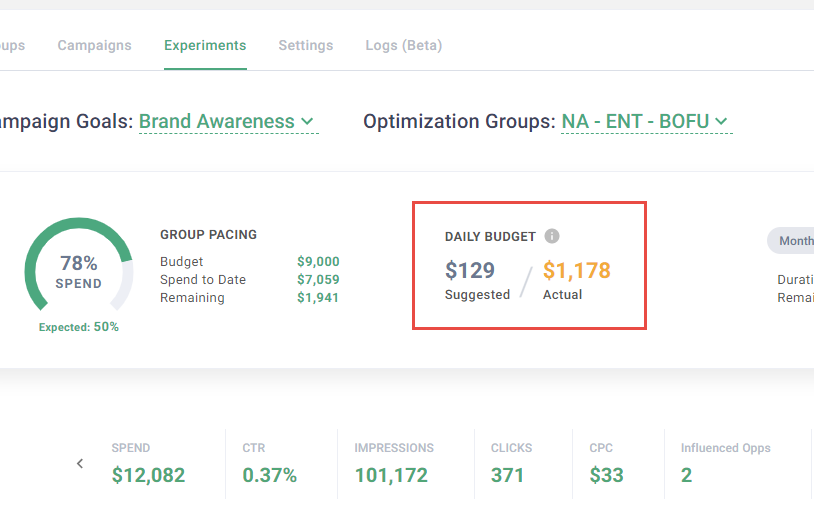
Overpacing
Overpacing happens when actual daily budget exceeds suggested daily budget. This often occurs when too many experiments were launched.
Reduce actual daily budget to resolve overpacing issues.
Find suggestions below:
-
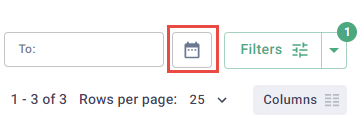
Display stats for the lifetime of the budget group using the calendar icon to the left of the Filters button
-
Select Active in the Status dropdown (deselect other options)

-
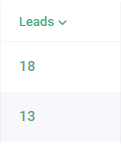
Sort by leads, select and pause experiments that have not generated leads
-
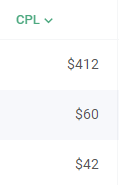
Sort by CPL, select and pause experiments with a CPL greater than 2.5 your goal
- Sort by any other columns that align with how you are measured, and pause the low performing experiments
Underpacing
Underpacing happens when budget groups are not spending the suggested daily budget.
Increase daily spend to resolve underpacing issues.
Find suggestions below:
-
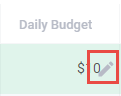
Increase daily budget for active experiments
Note: Provide a daily budget of $50 - $100 per experiment for the best performance. Daily budgets less than $25 see a significant drop in performance.
-
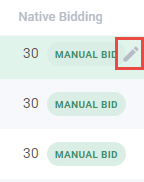
Increase native bidding amount
- Relaunch campaign(s) with larger audience sizes
Reset daily budget for active experiments
Reset the daily budget for active experiments to ensure each active experiment has enough daily budget to maintain healthy pacing. Reset the daily budget using these steps:
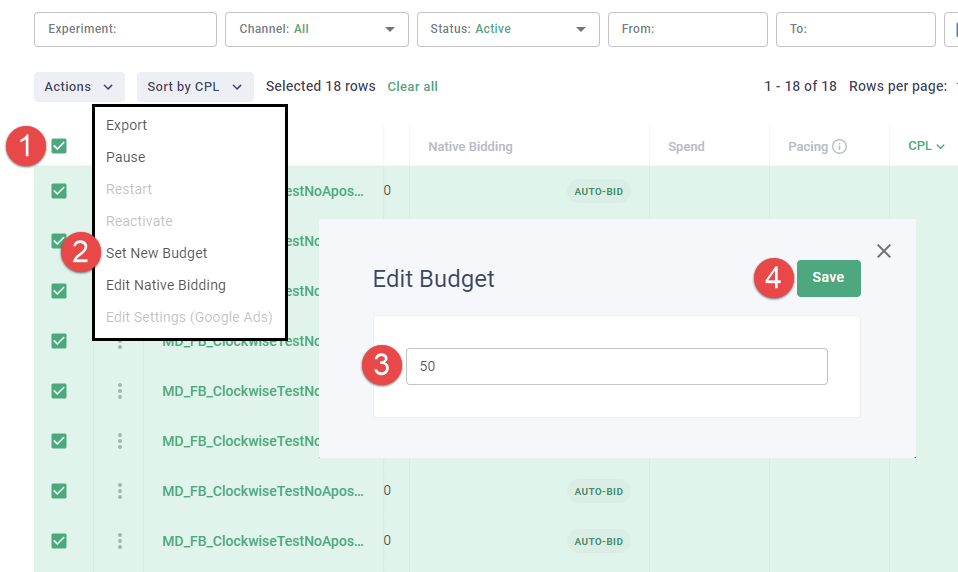
- Select active experiments using the checkboxes
- Click Set New Budget in the Actions dropdown
-
Enter daily budget for active experiments
Formula: (suggested daily budget) / (active experiments) = (daily budget for active experiments)
- Click Save
Re-run optimization
Re-run optimization to distribute the suggested daily budget proportionately to active experiments based on the optimization formula. Re-run optimization using these steps:
Note: Set up Budget Optimization using the best practices and steps on How to: Configure Budget Optimization.
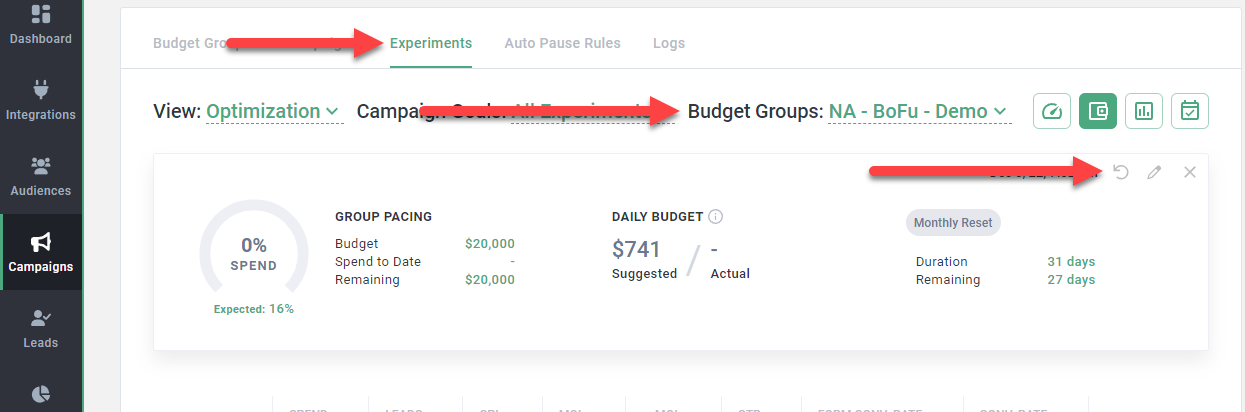
- Go to the Experiments page.
- Select the budget group from the Budget Groups dropdown
- Click the reload icon
Conclusion
The steps above ensure optimal pacing. Repeat these steps daily for the best results.