Prerequisites:
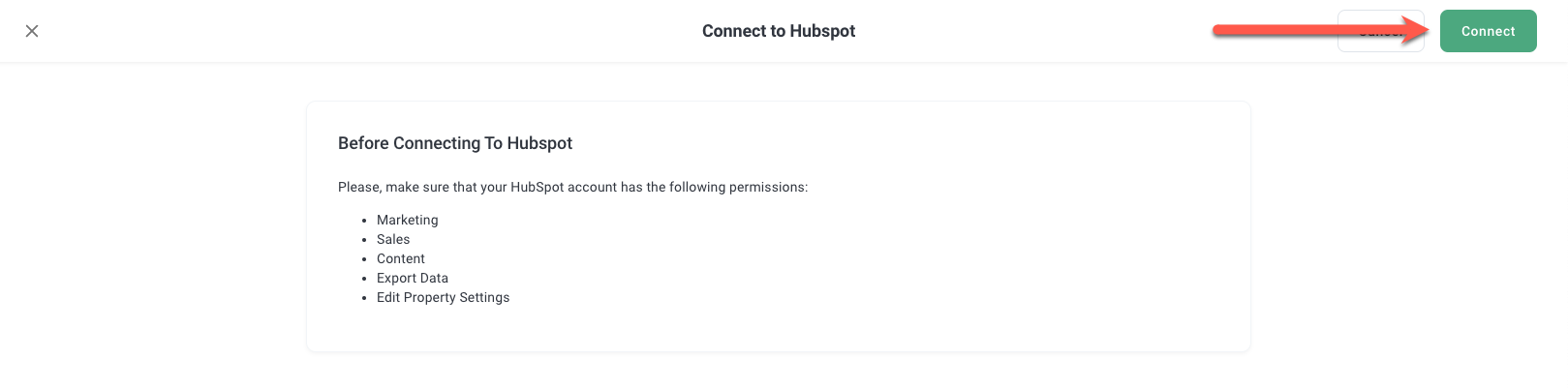
Before you connect, please, make sure your HubSpot account has permissions:
- Marketing
- Sales
- Content
- Export Data
- Edit Property Settings
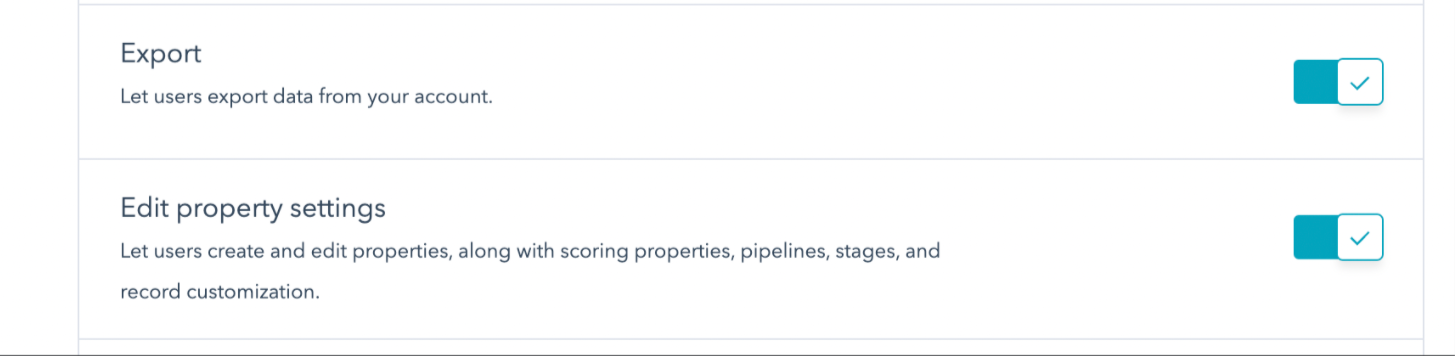
You will also need to ensure the following is enabled under CRM tools list:
How to Connect to Hubspot
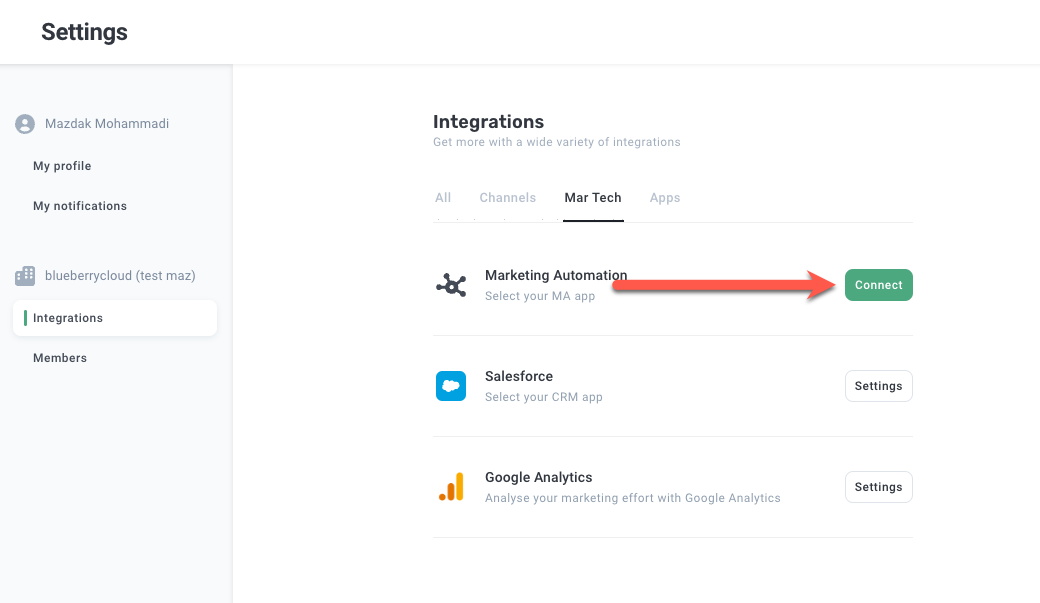
STEP 1 - Navigate to the Integration page
Go to Settings > Integrations and then click the Connect in the Marketing Automation box.
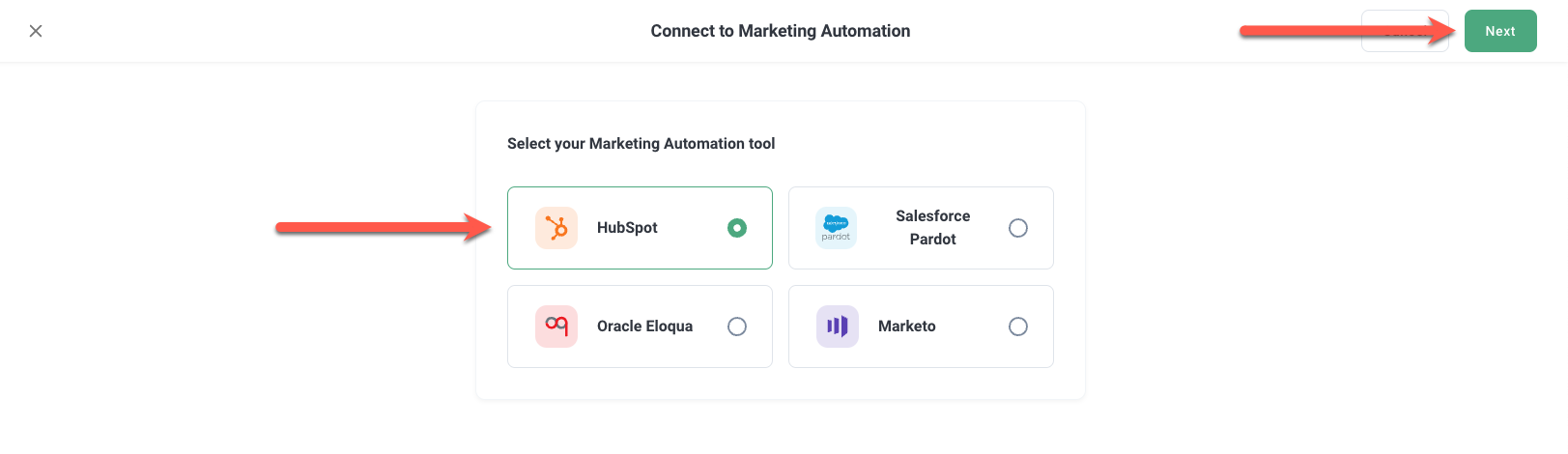
Select HubSpot and click Next and Connect.
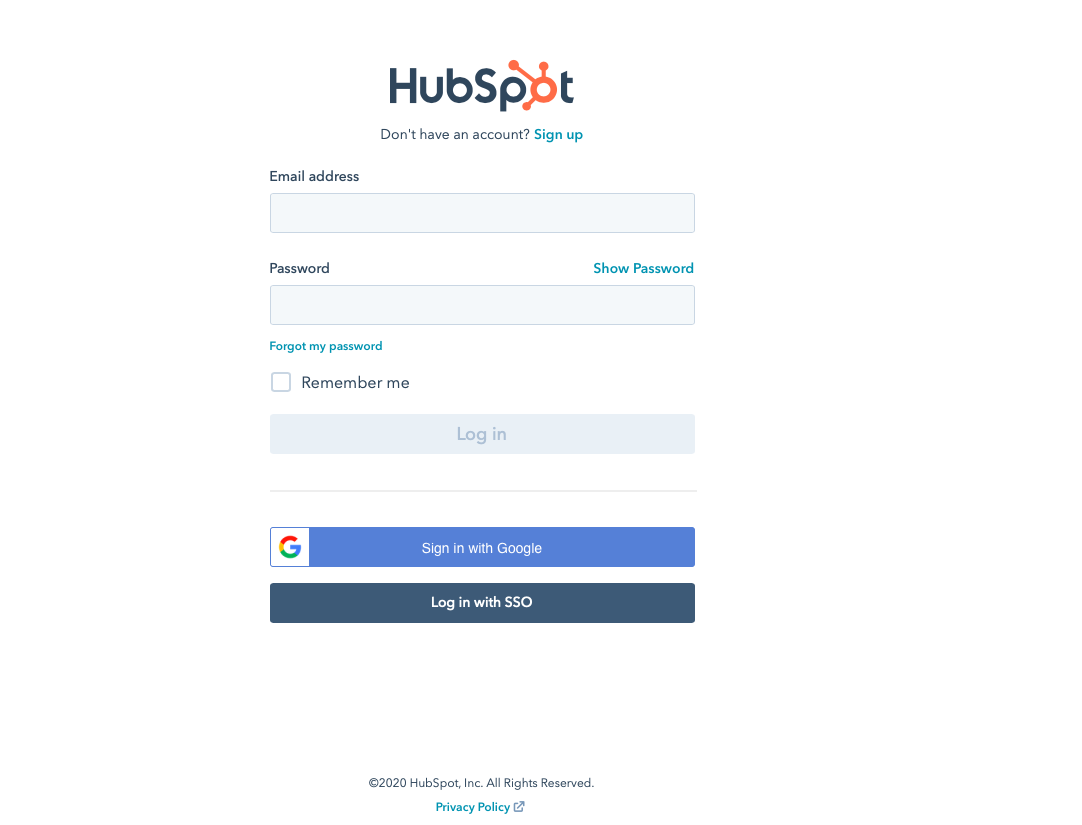
STEP 2 - Authorize your HubSpot account.
You will be redirected to login to your HubSpot account. Enter your HubSpot username & password.
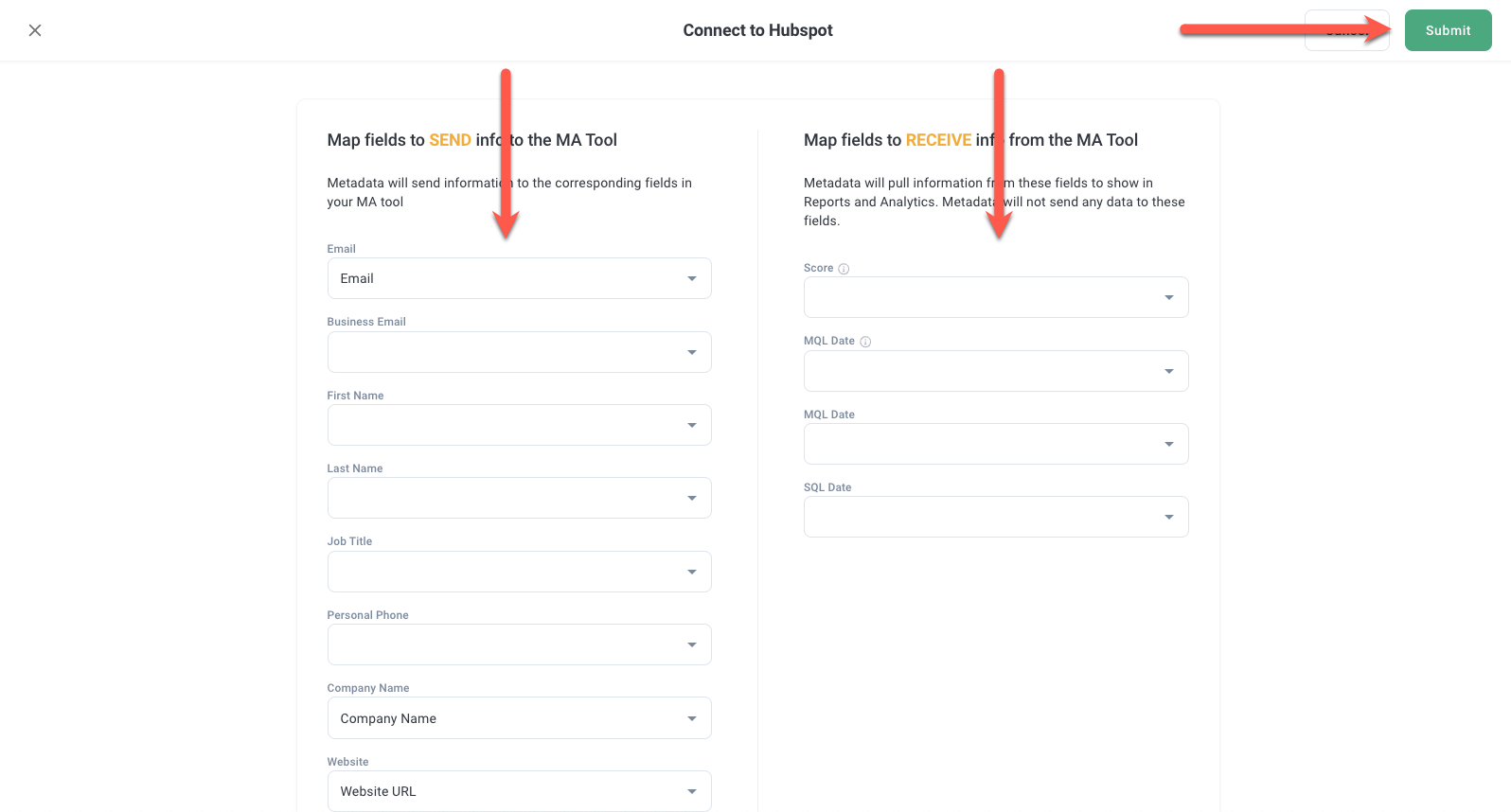
STEP 3 - Map HubSpot Fields
STEP 4 - Configure Parameters
Read: All about: Marketing automation parameters