Oracle Eloqua
Prerequisites
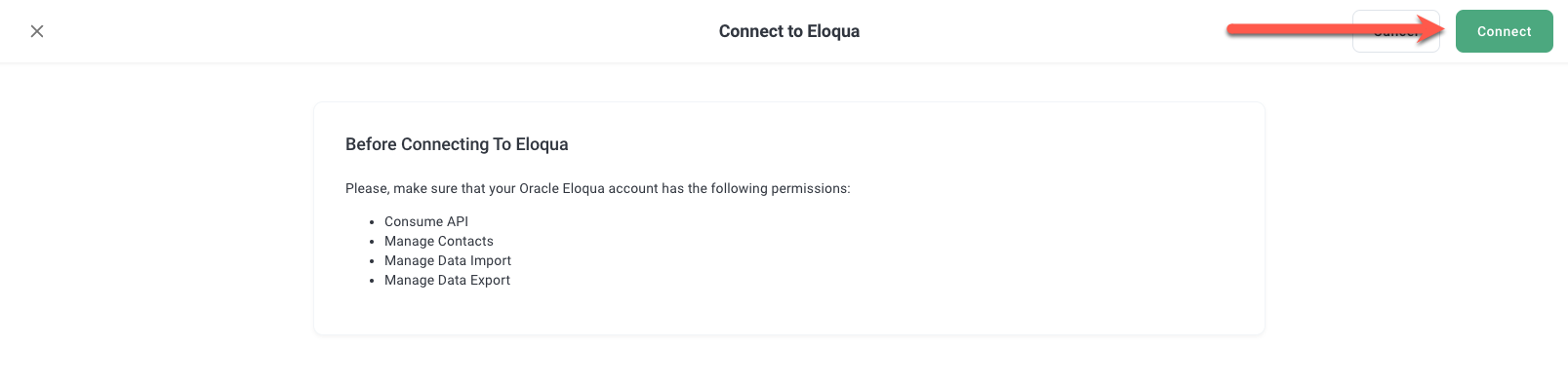
Before you connect, please make sure that your Oracle Eloqua account has the following permissions:
- Consume API
- Manage Contacts
- Manage Data Import
- Manage Data Export
How to Connect to Eloqua
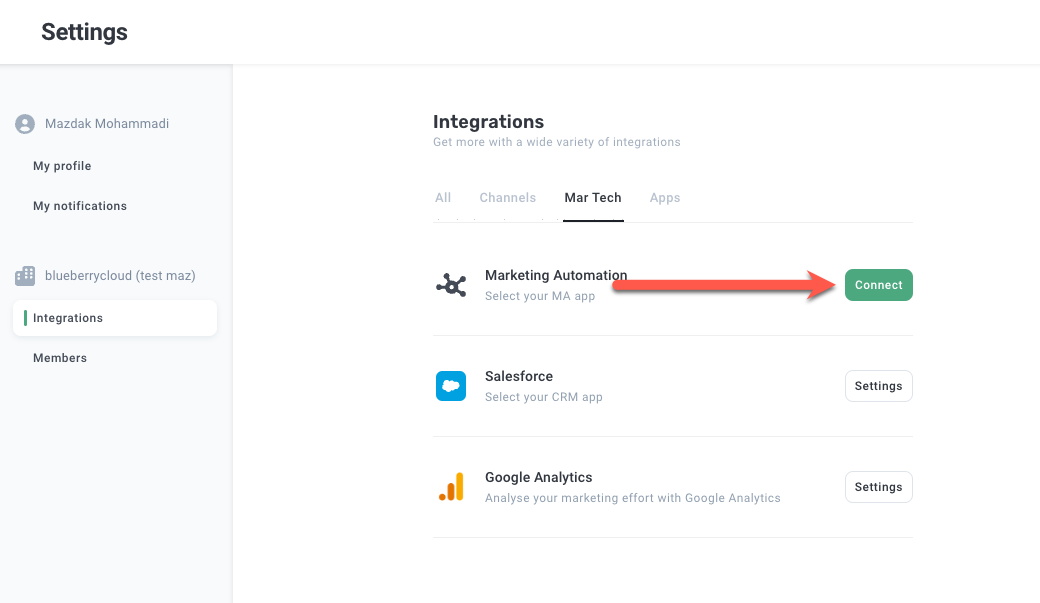
1. Navigate to the Integration page
Click the menu item Integrations on the left sidebar and then click the Connect button in the Marketing Automation box.
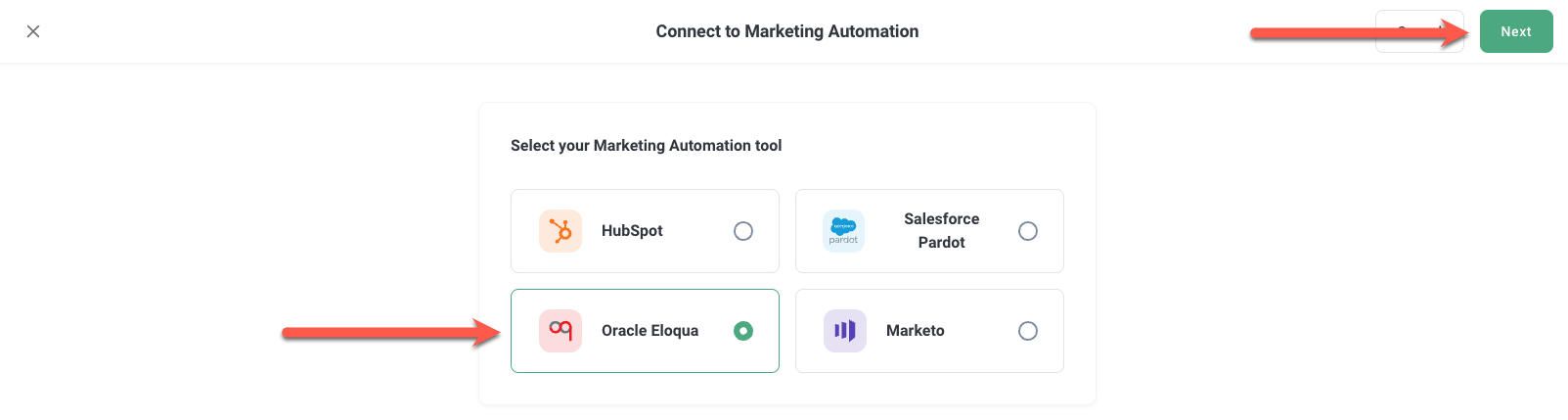
Select Oracle Eloqua and click Next.
2. Verify Permissions for Oracle Eloqua connection
Check your account for all the required prerequisites (listed on top) for Oracle Eloqua connection.
And then click "Connect now" button in the Eloqua page
3. Authorize your Oracle Eloqua account
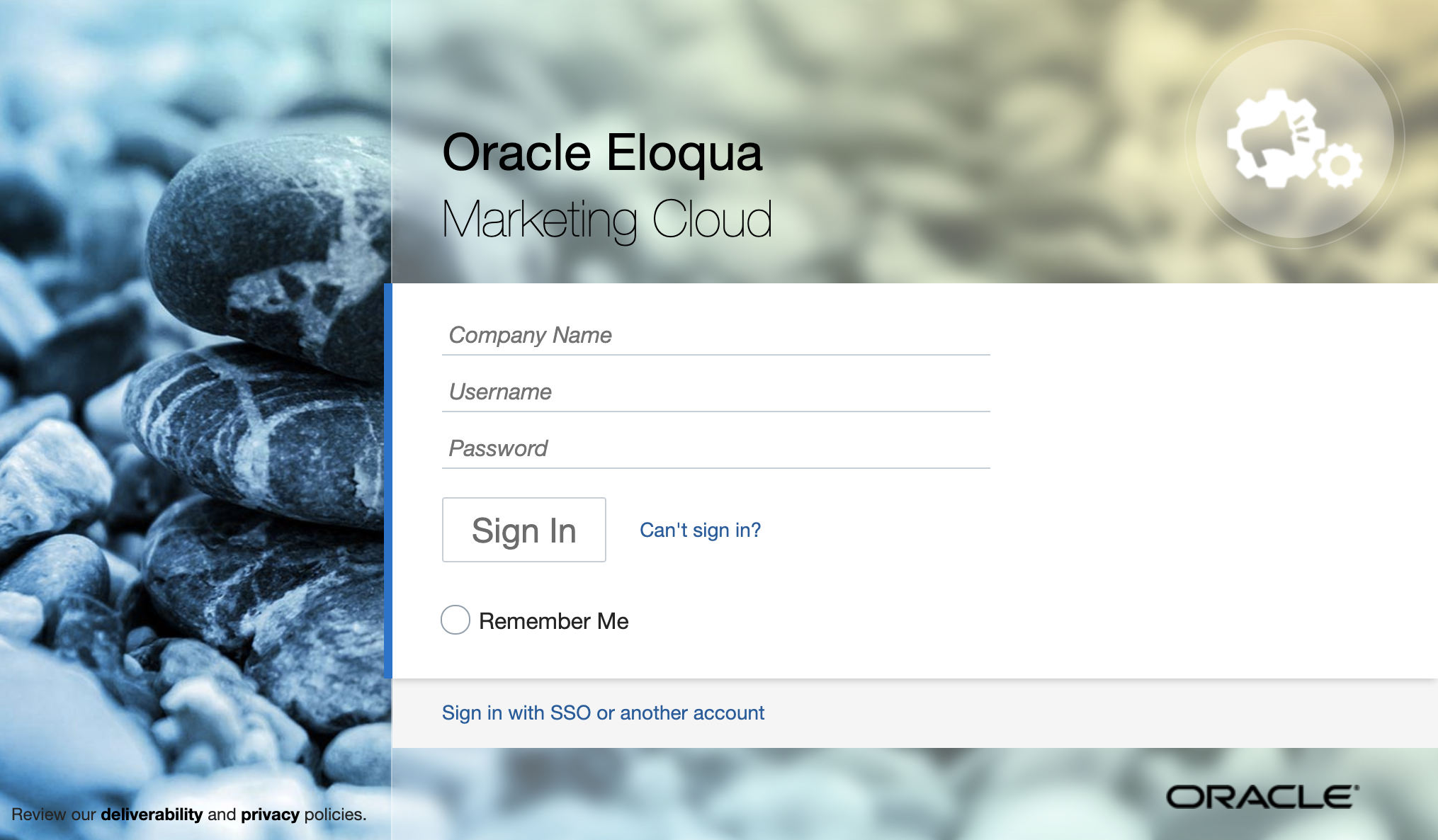
You will be redirected to the Sign in page of the Oracle Eloqua account.
Enter your Oracle Eloqua company name, username & password.
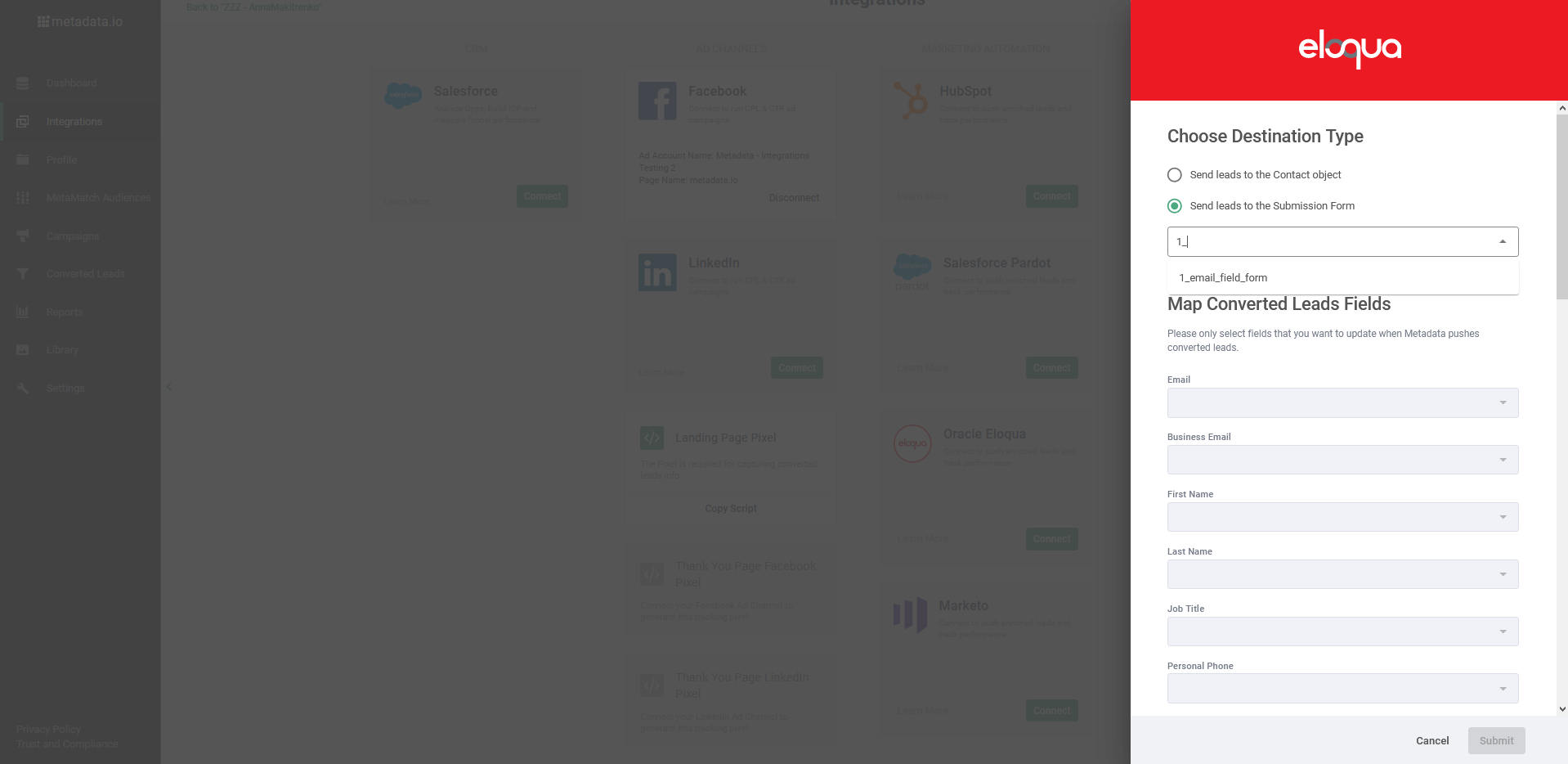
4. Select a destination to send Leads
You can choose the an option of destination type:
- Send leads to the Contact object (DEFAULT)
- Sends leads to the Submission Form
If the Submission form is selected you to select the form name in the dropdown.
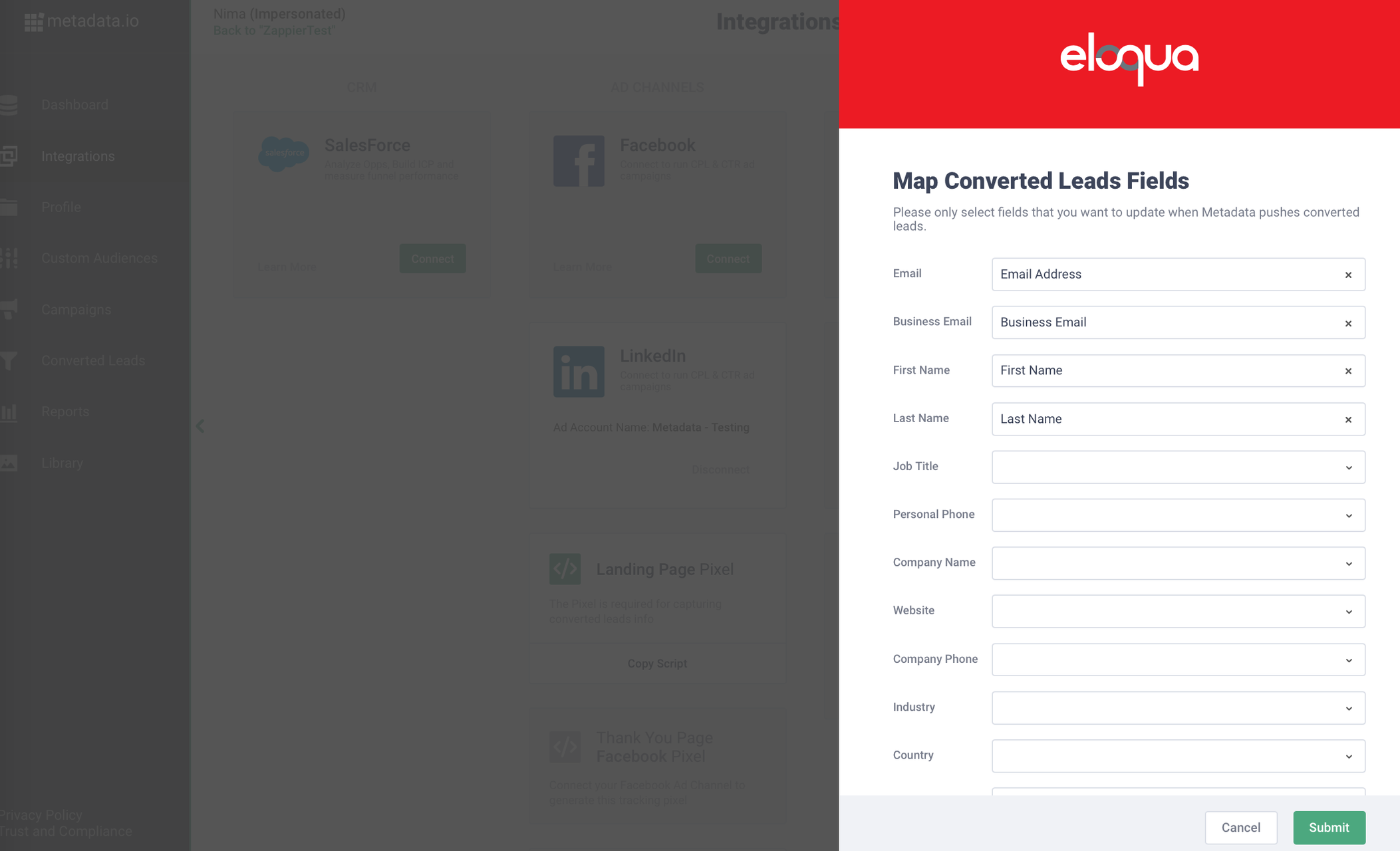
5. Map Oracle Eloqua Fields
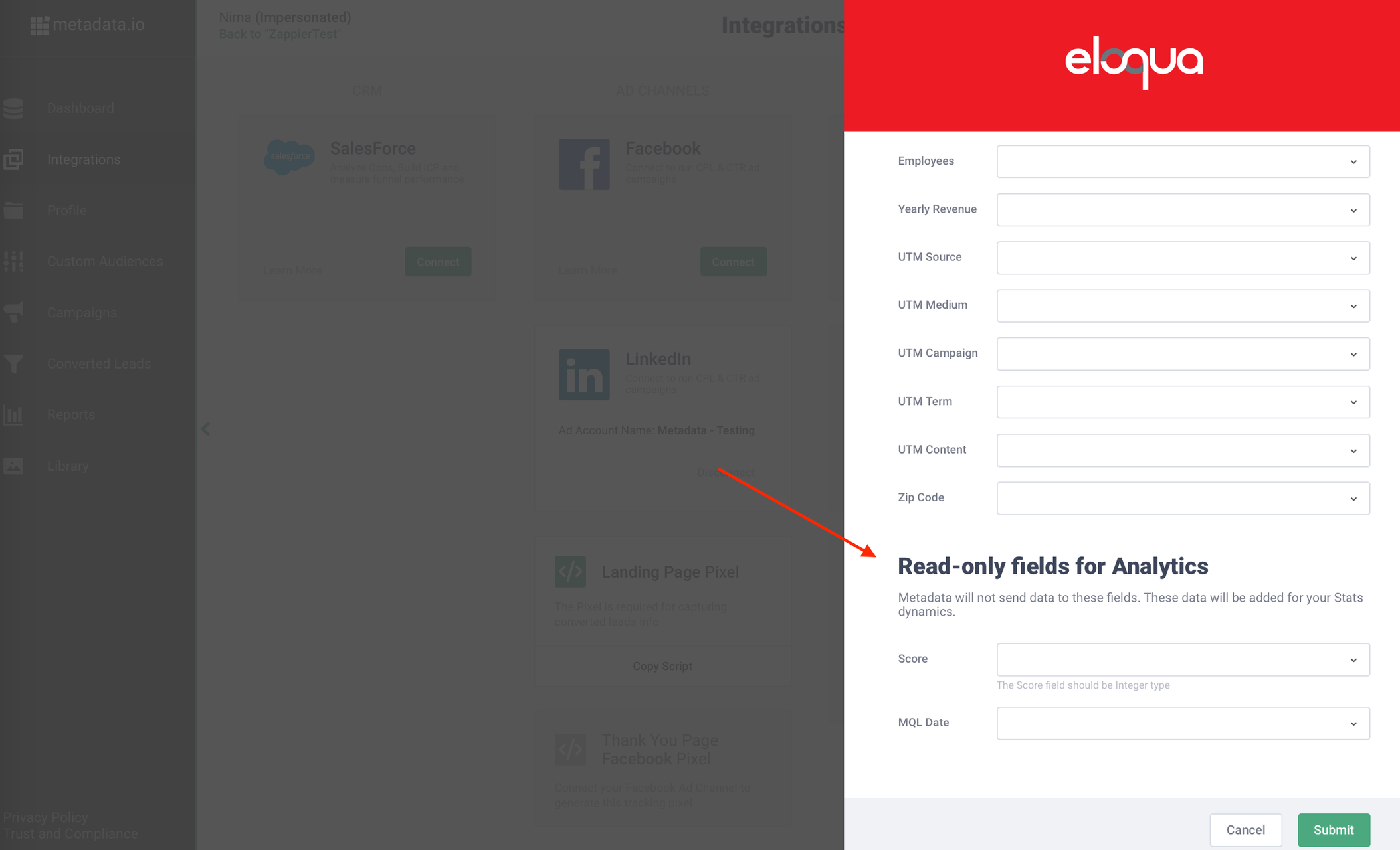
Select the Oracle Eloqua fields for mapping.
Do not select any 'Read-Only' fields during mapping to push data because the action to push leads will fail.
Click Submit button.
Data will be read from the Oracle Eloqua and entered in our Converted Leads page for these fields based on your mapping.
6. Configure parameters
Read: All about: Marketing automation parameters
7. Submit test lead
Read: How to: Submit test leads
Help and Support: Please email support@metadata.io if you're running into any issues.