How to: Add dynamic keywords or locations to Google Ad headlines
Read Best practices: Google Ads campaigns for practical tips on maximizing your success with Google Ads campaigns launched through Metadata.
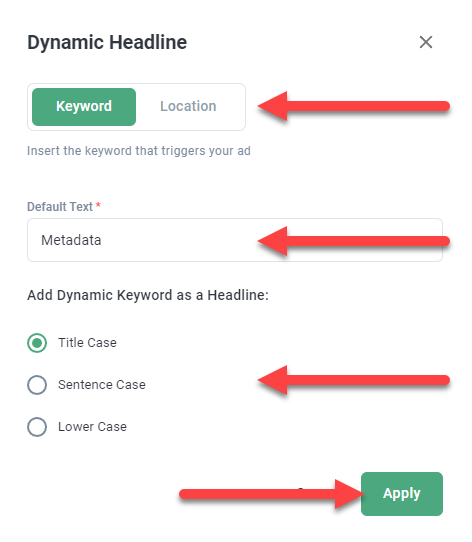
Use the curly braces icon to add dynamic keywords or locations to headlines for Google Ads.
Note: Dynamic keywords show the target keyword that triggered the ad, not the search term used by the searcher.
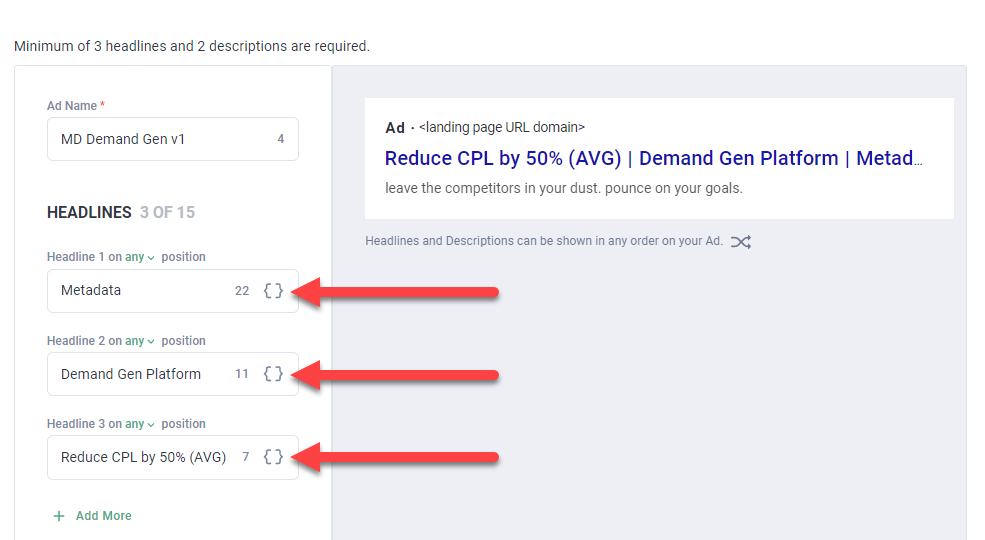
Configure the dynamic keyword or locations you want to include and apply your changes.