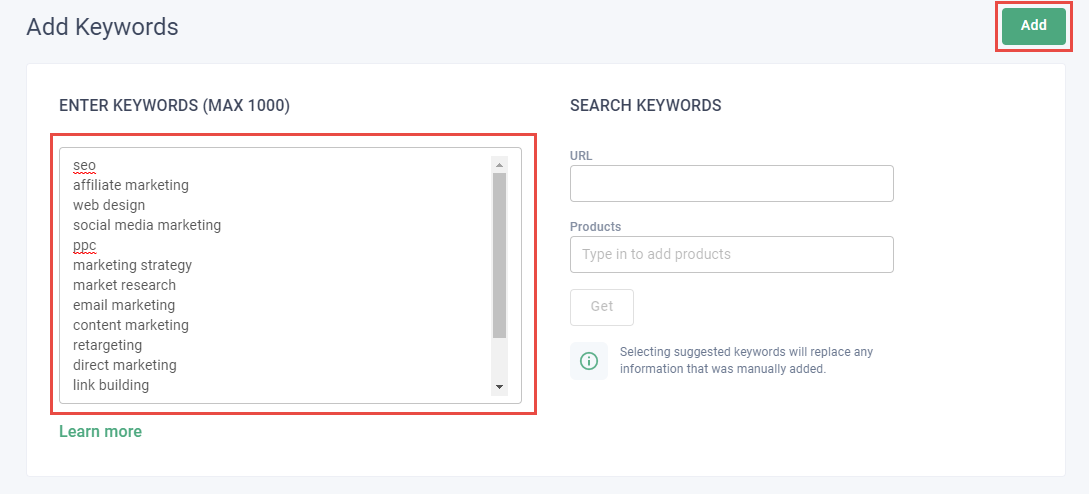
How to: Add Positive Keywords
Read Best practices: Google Ads campaigns for practical tips on maximizing your success with Google Ads campaigns launched through Metadata.
Add keywords relevant to searches being performed by your target personas.
Tip: Use the Search Terms report to find promising keywords or phrases based on past results.
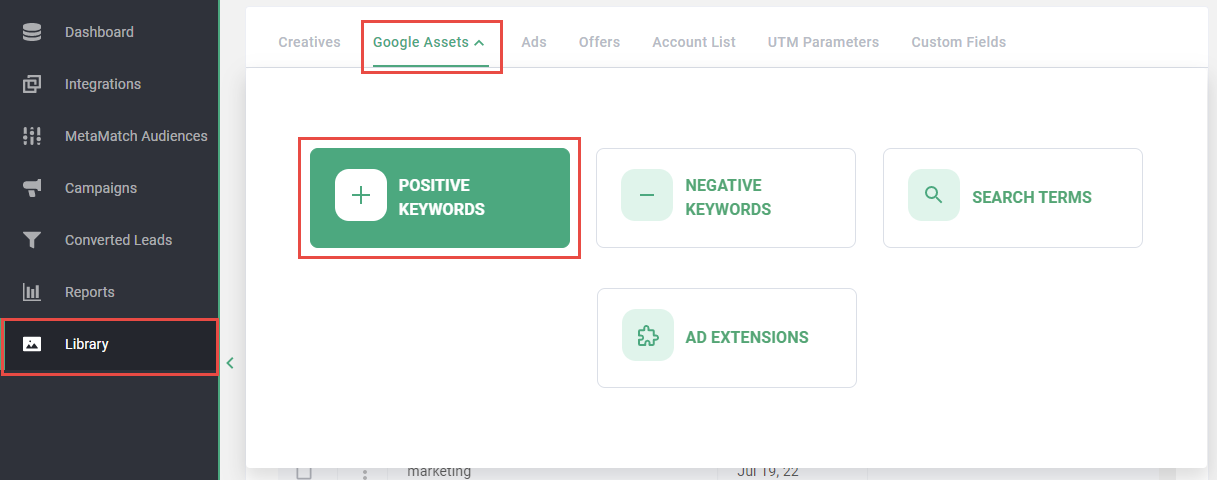
- Click Library on the left navigation
- Click Google Assets in the top navigation
- Click Positive Keywords
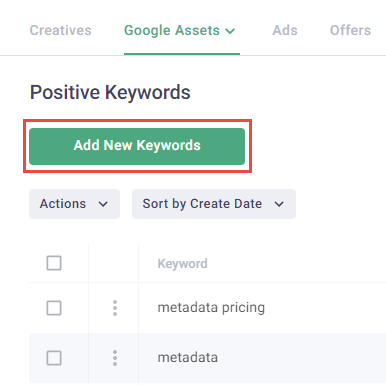
- Click Add New Keywords
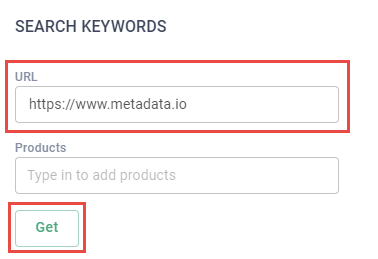
- Enter your landing page URL or Products click Get to generate keyword suggestions
Note: Use with caution because suggested keywords will overwrite any keywords you've entered manually. Remove any suggested keywords that are not relevant to your target ICP.
- Enter positive keywords using line breaks in the Enter Keywords field
Note: Read FAQ - Keywords - Google Paid Search for more information about entering positive keywords.
- Click Add