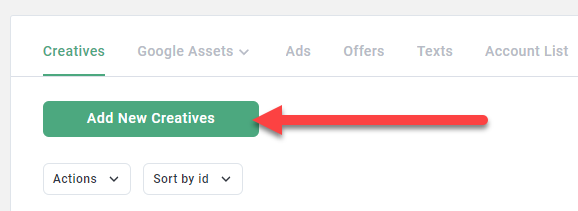
Go to Library > Creatives and click Add New Creatives.
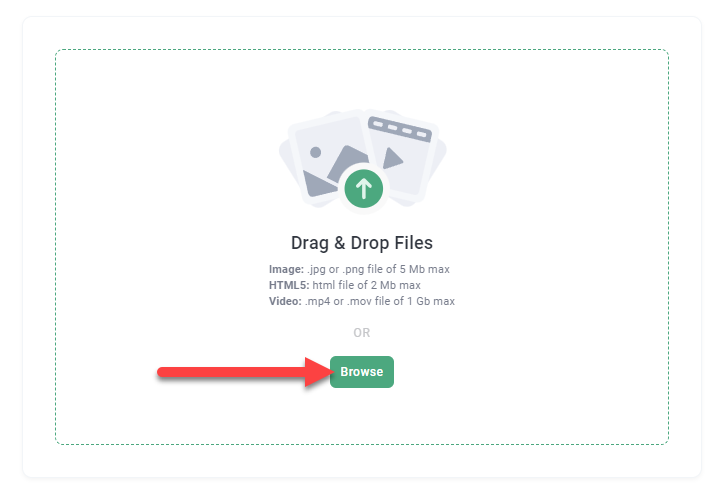
Browse for your video.
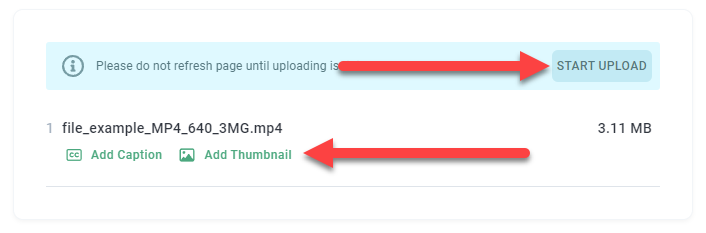
Add captions and / or thumbnails and click Start Upload.
Requirements for caption files:
Note: Please find a working sample file here.
- File name must end with .en_US.srt (eg, mycaptionfile.en_US.srt). For supported languages and country codes beyond en_US, please find the list here.
- Ensure your caption file works as expected by following this format (line breaks matter):
1
00:00:00,500 --> 00:00:10,000
My first caption
Second line

2
00:00:10,000 --> 00:00:20,000
My second caption
Second line again

3
00:00:20,000 --> 00:00:30,000
My third caption
Second line again again
- Please note that currently, captions won't show when previewing the video on the Metadata platform.