Track performance based on custom metrics stored in your CRM or marketing automation tool (eg, MQL, SAL, SQL) to get the most out of our managed services and auto-optimization capabilities.
Common uses
- Track and evaluate campaign performance based on custom metrics pulled from your CRM or marketing automation tool
How to set up custom metrics
Note: Map the default MQL Date field to the custom metric that is the best indicator of lead quality (eg, MQL, SQL, SAL). By taking this step, Metadata's AI can auto-optimize campaigns based on the selected custom metric.
Go to Library > Custom Fields.
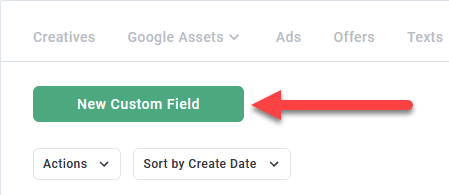
Click Add Custom Field.
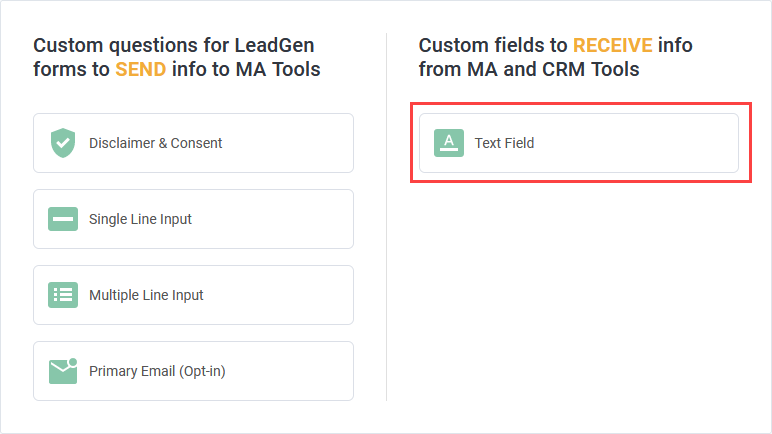
Click Text Field on the right column.
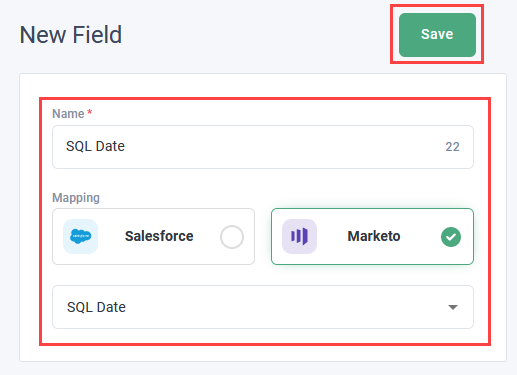
Enter a name (eg, SQL Date, SAL Date).
Note: The name you enter here is the label used for the custom metric in reports. It can match the name of the field in your CRM or marketing automation tool but doesn't have too.
Select the custom metric source.
Select the corresponding field on your CRM or marketing automation tool.
Click Save.
Track goals using custom metrics
Add custom metrics as goals to Reports > Mutual Success Plan to track overall success in achieving targets.
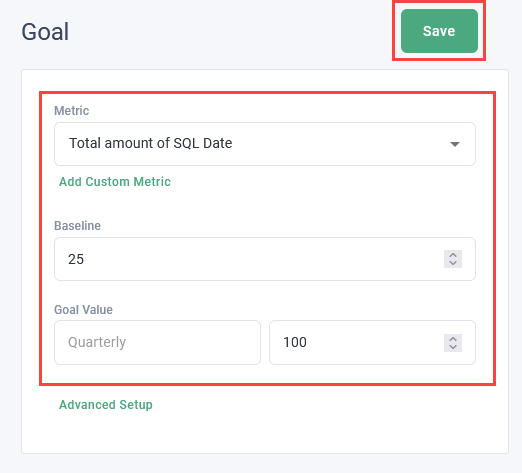
Read All about: Mutual Success Plan to learn more about the mutual success plan.