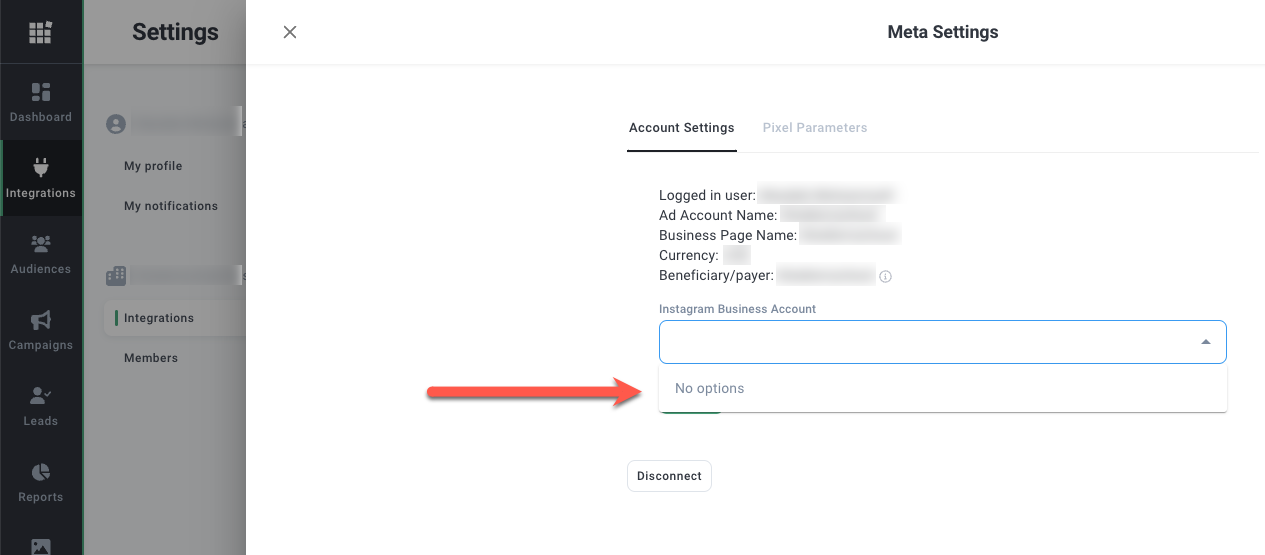
After adding your company's Instagram account to your Facebook Business Manager, it does not show to select in Metadata.
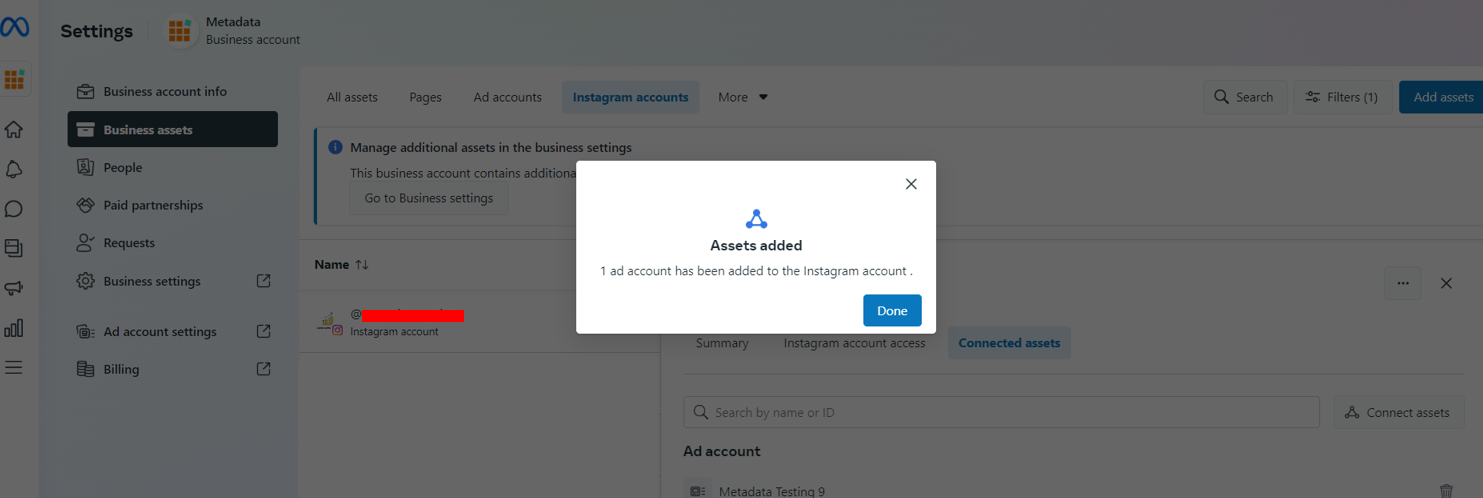
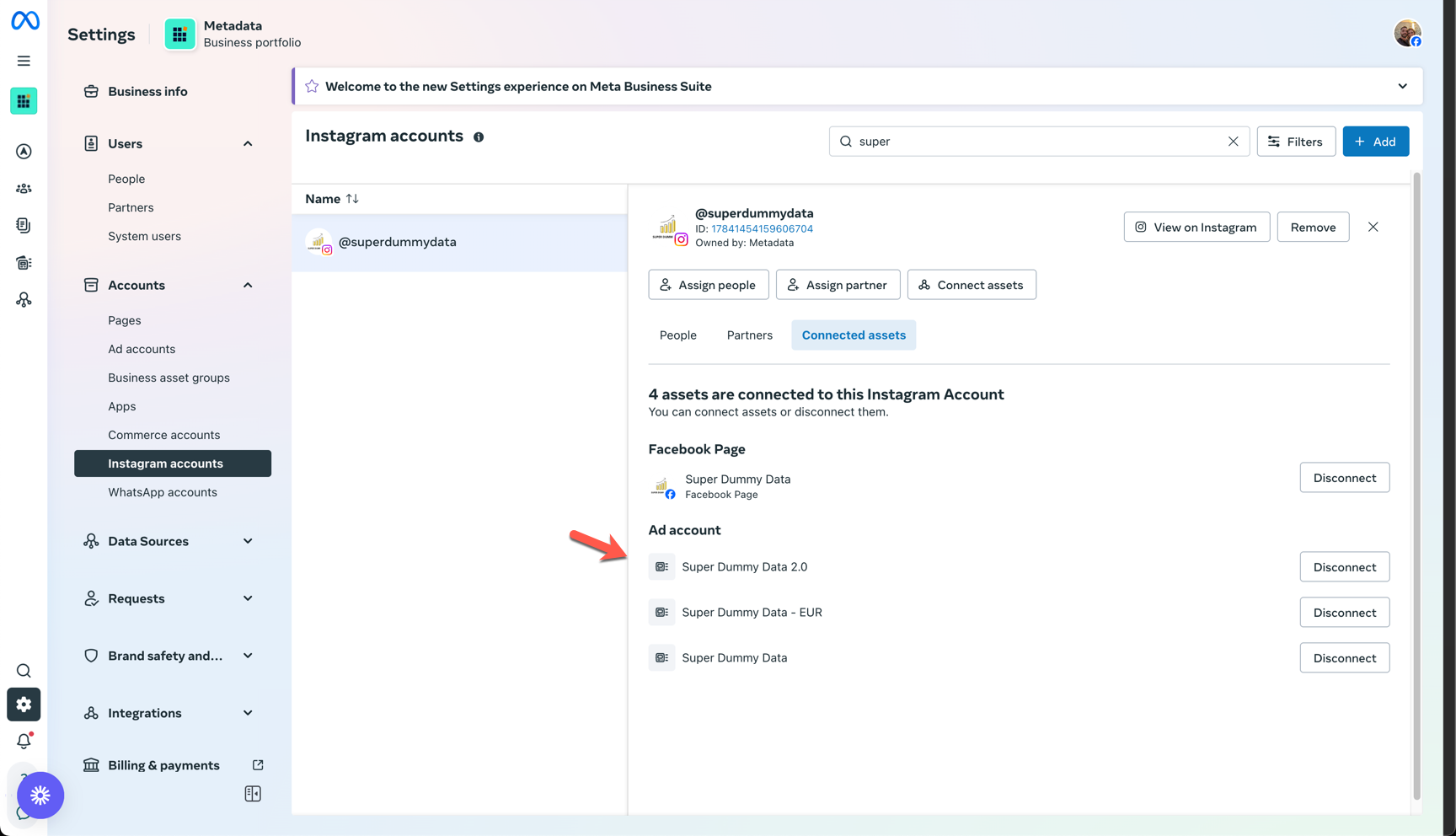
Ensure that your Ad Account asset is added to your company's Instagram account in your Facebook Business Manager/Business Suite.
Navigate to Facebook Business Suite:
- Go to https://business.facebook.com/latest/settings/
- Click Accounts
- Go to Instagram Accounts tab
- Select your Instagram Account (@example) > Go to "Connected Assets"
- Click "Connect Assets"
- Click Ad Account > select your Ad Account
- Click "Add" to save the changes