In this article, we cover the different views available on the Experiments page and how each can help you improve campaign performance.
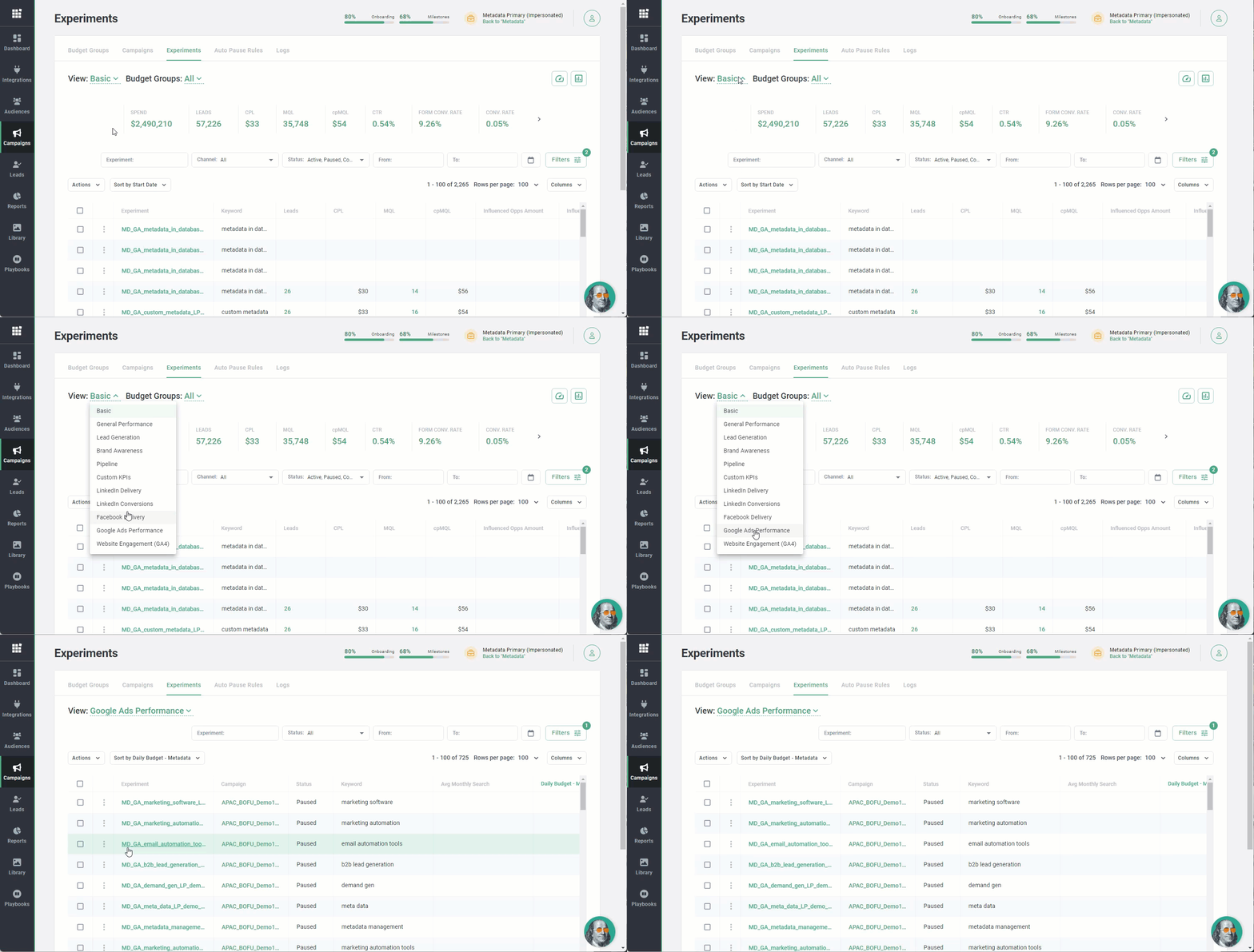
Basic
Basic helps you find your best performing experiments based on key metrics like converted leads, MQLs, opportunities and much more.
Use these insights to help you decide which experiments should get more or less daily budget. Read How to: Make the most of your pacing for detailed steps.
LinkedIn Delivery & Facebook Delivery
Both views help identify issues related ad fatigue:
- Spend = Total spend
- Frequency = Average number of times each person saw your ad
- Reach = Number of people who saw your ads at least once
- CP Reach = Average cost per reach
- Impressions = Number of times your ads were on screen
- CPM = Average cost per 1,000 impressions
Use these insights to help you decide whether you need to update your creative, broaden your targeting criteria, or pause campaigns with audiences that are showing signs of ad fatigue.
Google Ads Performance
Google Ads Performance helps diagnose issues related to search ads:
- Search Top IS = Percentage of ad impressions that are shown above the organic search results
Use these insights to improve Google Search performance by improving targeting, ad relevancy, landing page experience or increasing budget.
Website Engagement (GA4)
Note: Integrate with Google Analytics 4 (GA4) to activate this view.
Website Engagement (GA4) gives insight into the performance for your Brand Awareness campaigns beyond the basics: Users, new users, sessions, engaged sessions, average engagement time per session, engaged sessions per user, engagement rate, bounce rate and other custom conversions.
Use these insights to help you do a better job of finding your best-performing Brand Awareness experiments so that you can give them a greater share of your budget.
Other views
General Performance, Lead Generation, Brand Awareness, Pipeline and Custom KPIs views are similar to the Basic view with the only difference being the columns that are shown by default.