Reports are the go-to for determining how well your campaigns and all their variables (audiences, offers, ads) are performing on Metadata and impacting leads.
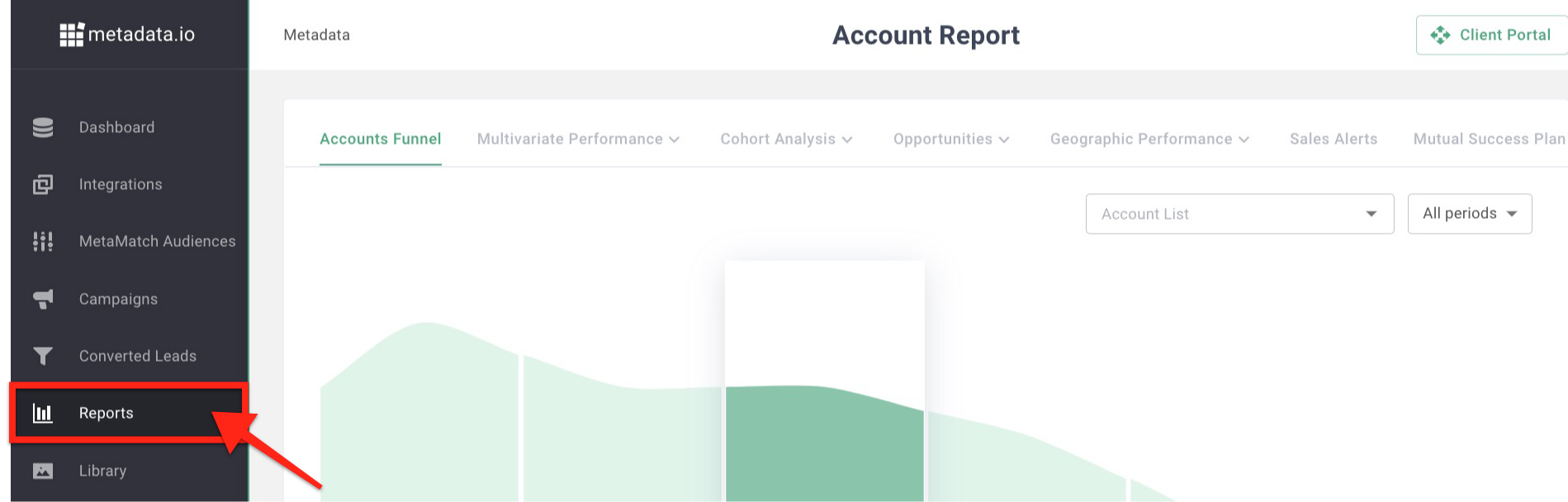
Metadata offers versatile reporting options so you can quickly isolate the information you need to drive decisions and inform stakeholders:

- Accounts Funnel: See your total campaign impact on company accounts you've reached, engaged, converted, qualified, and influenced or triggered opportunities for, plus any that resulted in a closed-won.
- Multivariate Performance: Determine what works and what doesn't with performance stats by audiences, keywords, offers, experiments, channels, creatives, account lists, website engagement, and Google assets.
- Cohort Analysis: Compare the performance of your campaigns in a weekly, monthly, or quarterly view to see changes in the KPIs most critical to your org, like reducing CPL while generating more MQLs.
- Opportunities: Capture all opportunities you influenced and the converted leads associated with the opportunity. Plus, customize your attribution model to ensure it fits exactly to your org.
- Geographic Performance: Understand your campaign performance by region and country.
Sales Alerts live under Settings > Sales alerts. The Mutual Success Plan is now on the Dashboard > Goals tab.
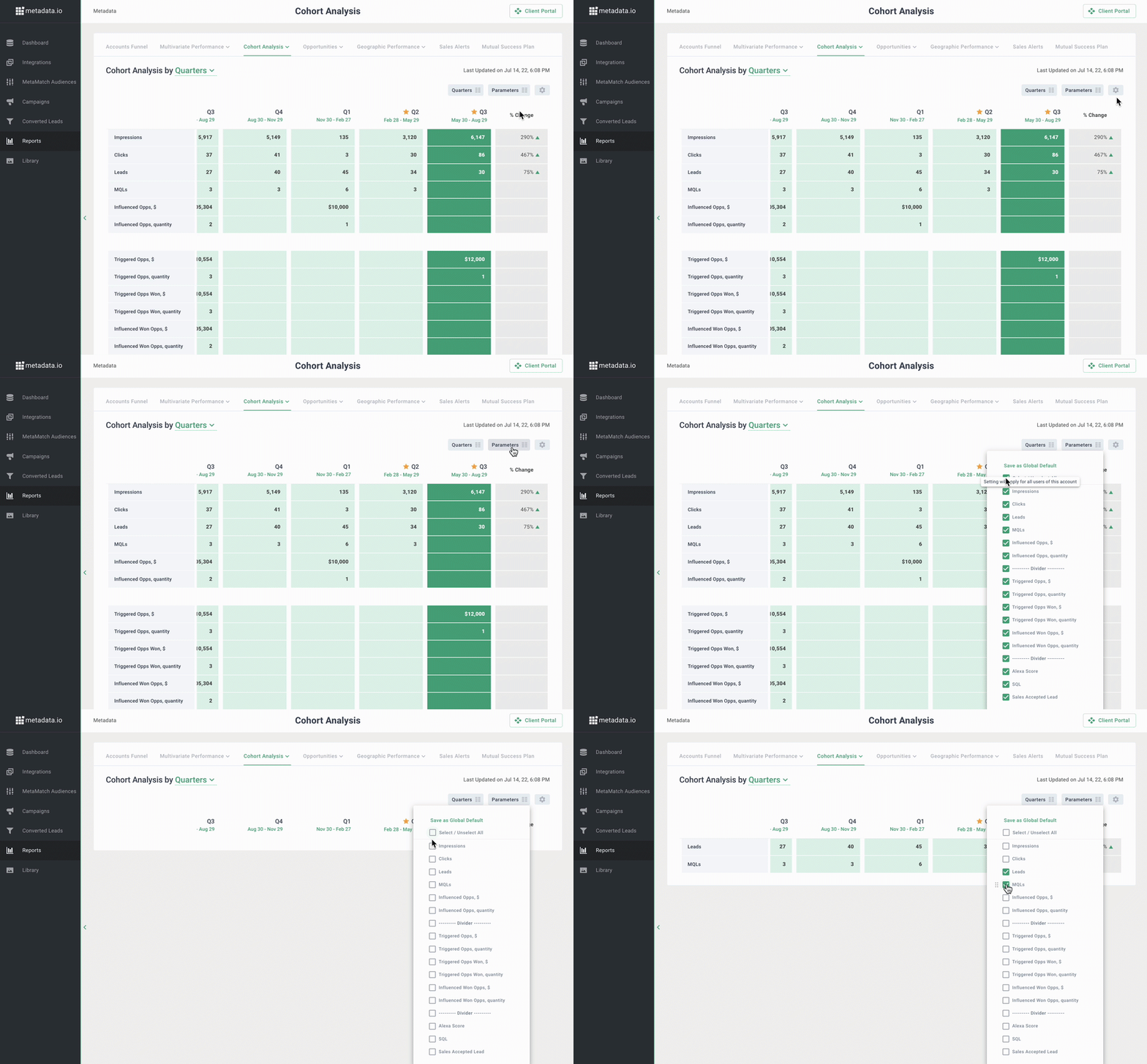
All Reports are customizable, use columns to create a default view with the information most important to you and filter settings to get specific on what you're seeing:
Tip: Read Best practices: Customize Cohort Analysis Views for a step-by-step on customizing the Cohort Analysis Report.
Accounts Funnel
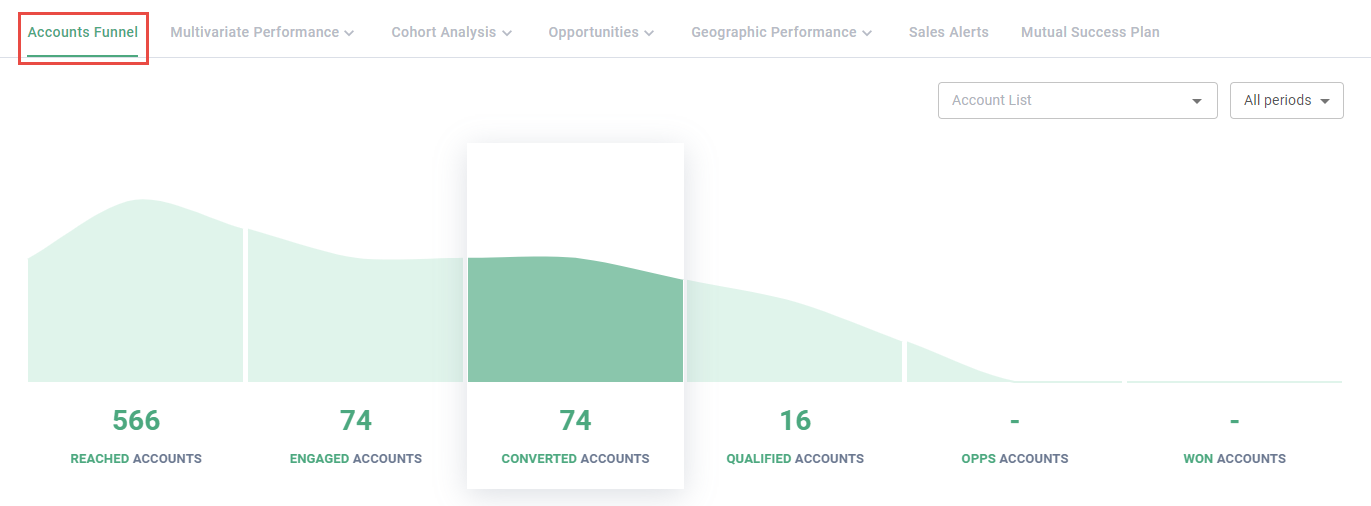
The Accounts Funnel Report looks at your total impact across Accounts from all campaigns launched through Metadata.
- Reached accounts: Accounts that have viewed your ads (impressions).
- Engaged accounts: Accounts that have clicked your ads (clicks).
- Converted Accounts: Accounts that have submitted your lead gen forms (conversions).
- Qualified Accounts: Accounts that have reached the MQL stage.
- Opps Accounts: Accounts that have generated triggered or influenced opportunities.
- Won accounts: Accounts with opportunities that have been marked as closed / won.
Multivariate Performance
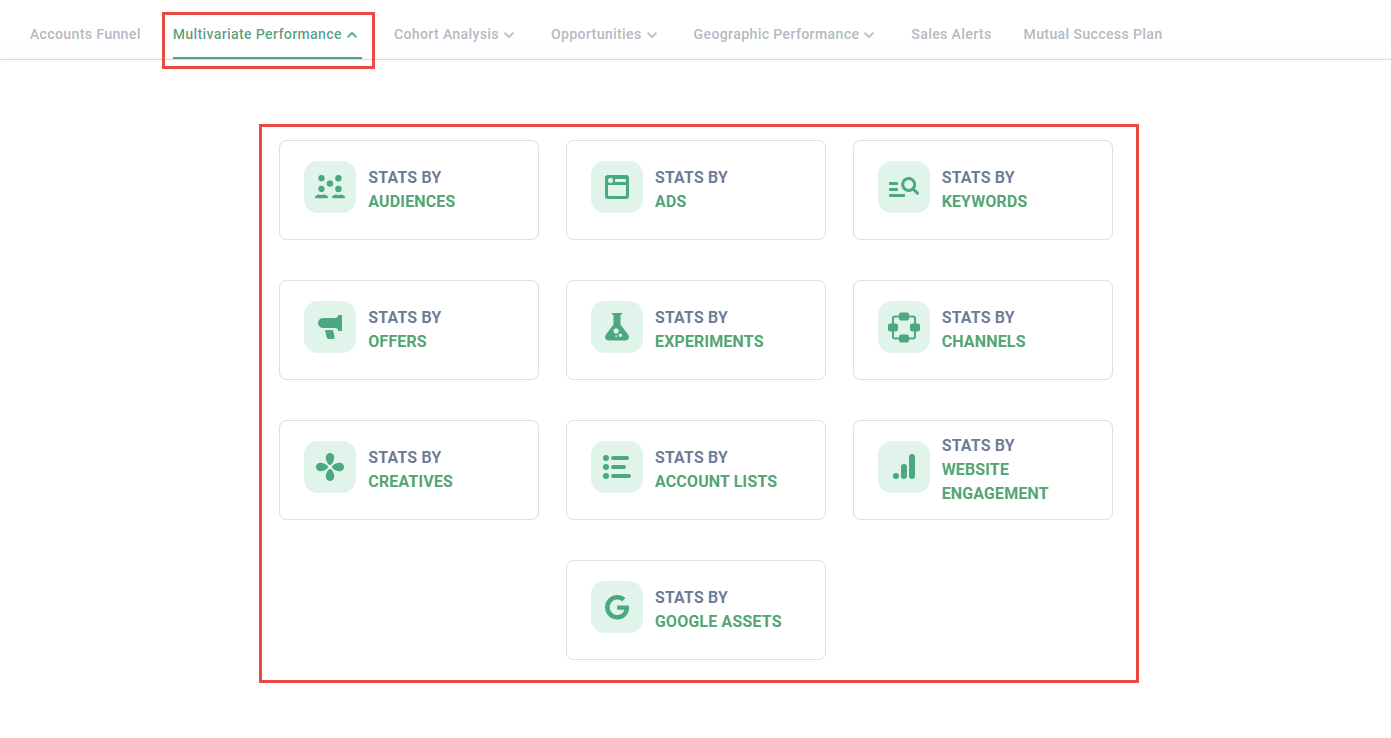
The Multivariate Performance Report allows you to review performance by a specific variable: audiences, ads, keywords, offers, experiments, channels, account lists, creatives, Google assets, and web engagement.
Cohort Analysis
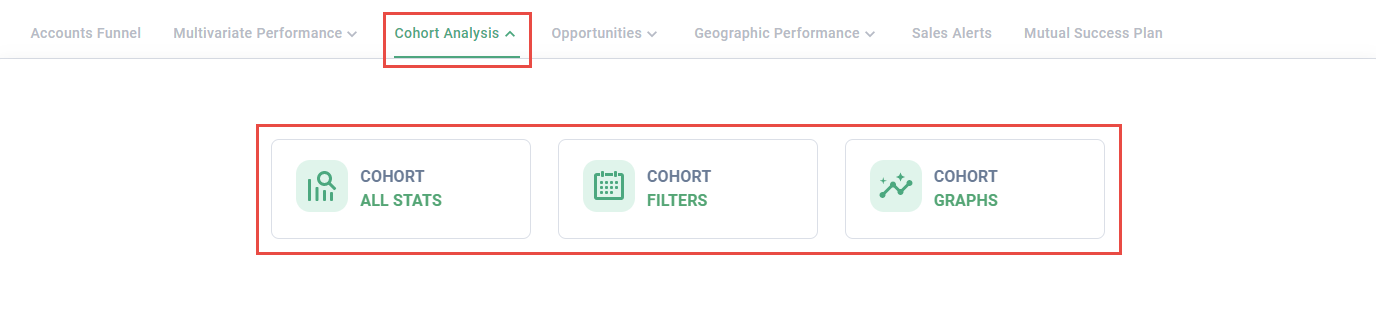
The Cohort Analysis Report tracks overall performance quarter-over-quarter, month-over-month or week-over-week.
Opportunities
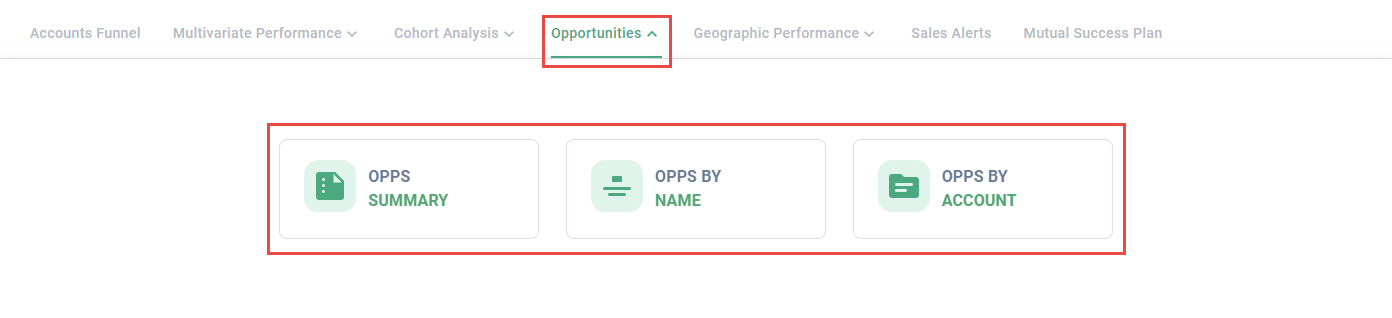
The Opportunities Report includes:
- Attribution Models: Number of opportunities generated by type (eg, influenced, triggered).
- Opps by Name: List of generated opportunities.
- Opps by Accounts: List of accounts that have generated opportunities.
Geographic Performance
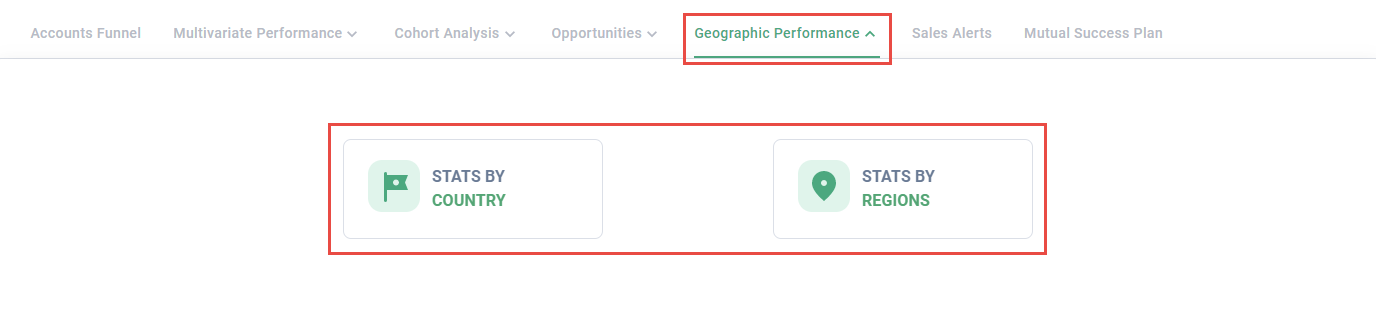
The Geographic Performance Report identifies your best performing countries and regions (eg, North America, Europe etc).