This guide is specifically for connecting the Ad channels for Audience Only, if you are connecting your Ad Channels for DemandHub (Campaigns & Audiences) please refer to this guide
Supported audience channels: Meta (Facebook/Instagram), LinkedIn, Google Ads, X (Twitter), and Reddit. X (Twitter) is supported as an audience-only channel.
Note: Target Groups do not work with audience only.
Jump to:
Meta Integration
PrerequisitesBefore Connecting, Click the Links Below to Ensure You Have the Necessary Meta Credentials:
|
Connect Meta (Facebook)
Follow these steps to integrate your Meta advertiser account to the platform
1 Initiate Connect
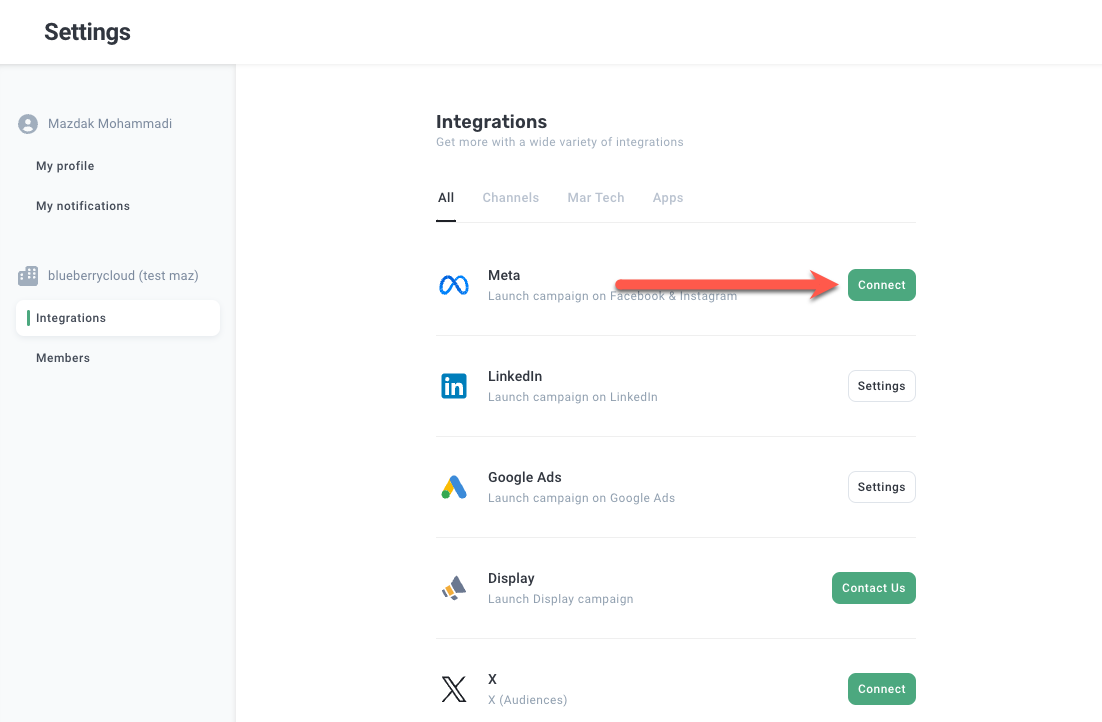
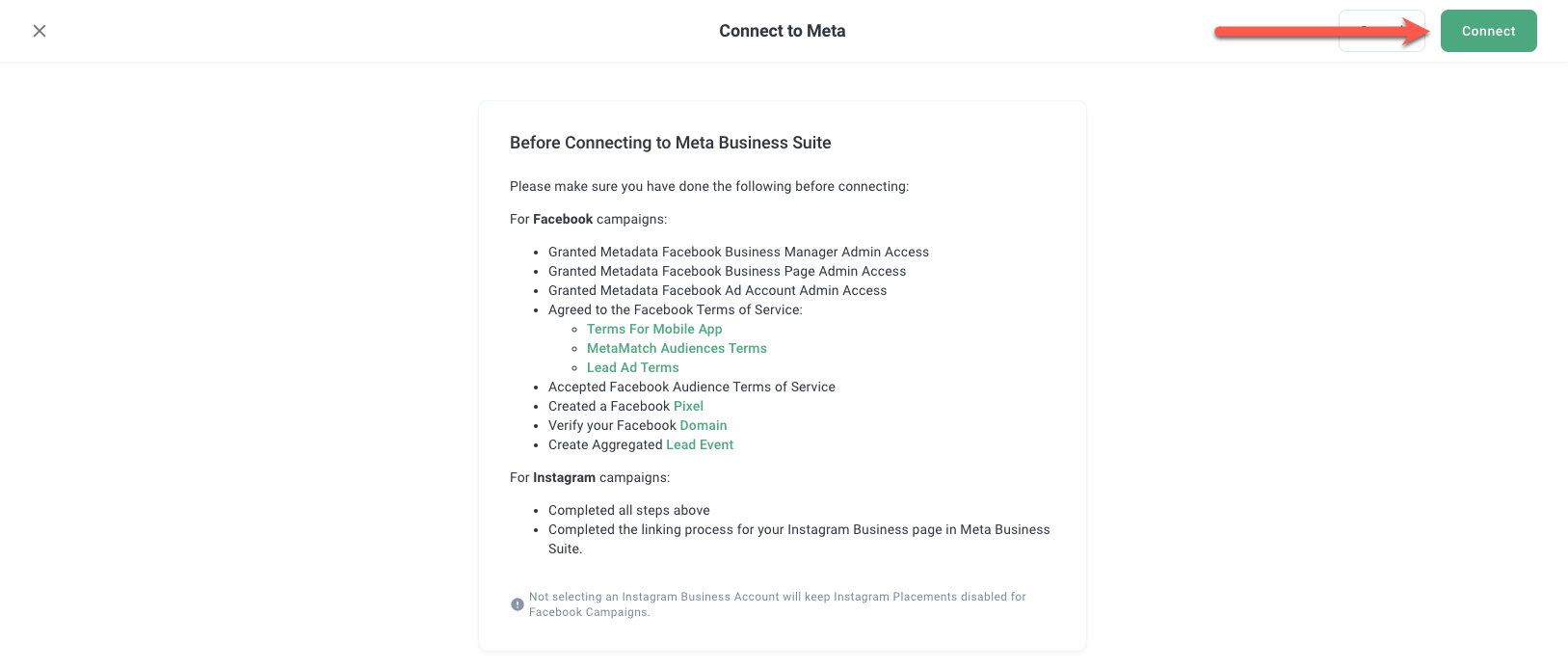
2 Check all necessary Facebook Credentials
Please refer to the section Prerequisites above for more details.
Once checked, please click to "Connect" button
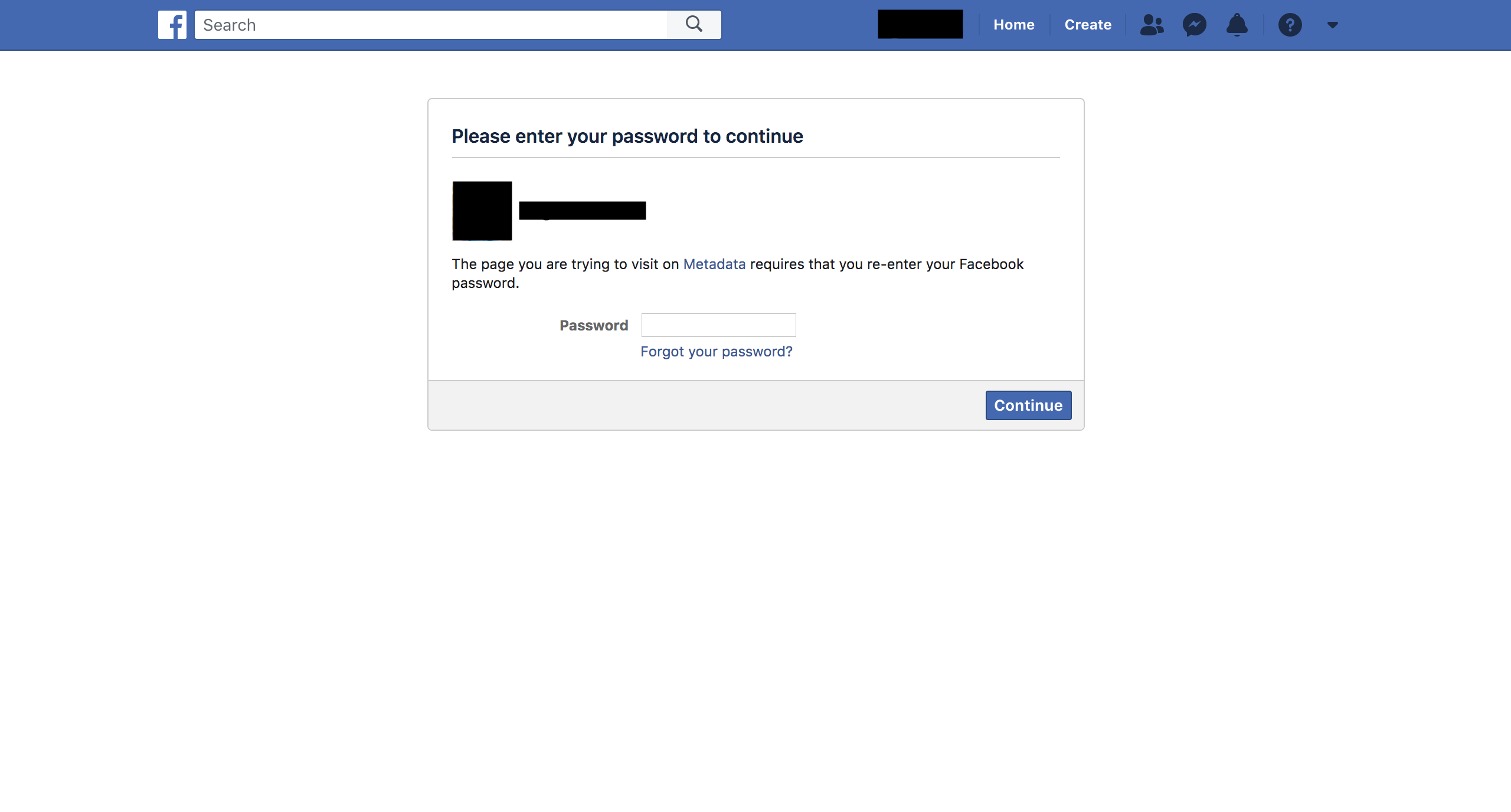
3 Authorize your Facebook Account
You will be redirected to login to your Facebook account. Enter your Facebook password and then click "Continue"
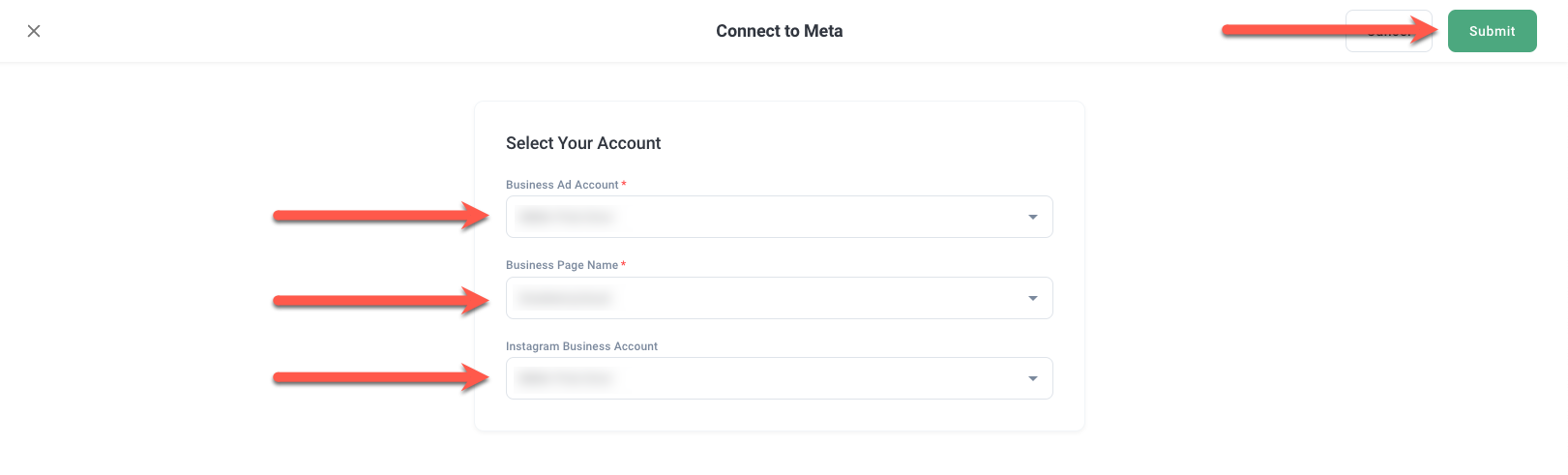
4 Select Meta Business Ad Account, Page
If connected, select your business ad account, page and click Submit button.
5 The Integration page will show that your Meta advertiser account has been connected to the platform.
LinkedIn Integration
PrerequisitesBefore you start please ensure you have all the necessary permissions setup for your LinkedIn user. LinkedIn Campaign Manager Access
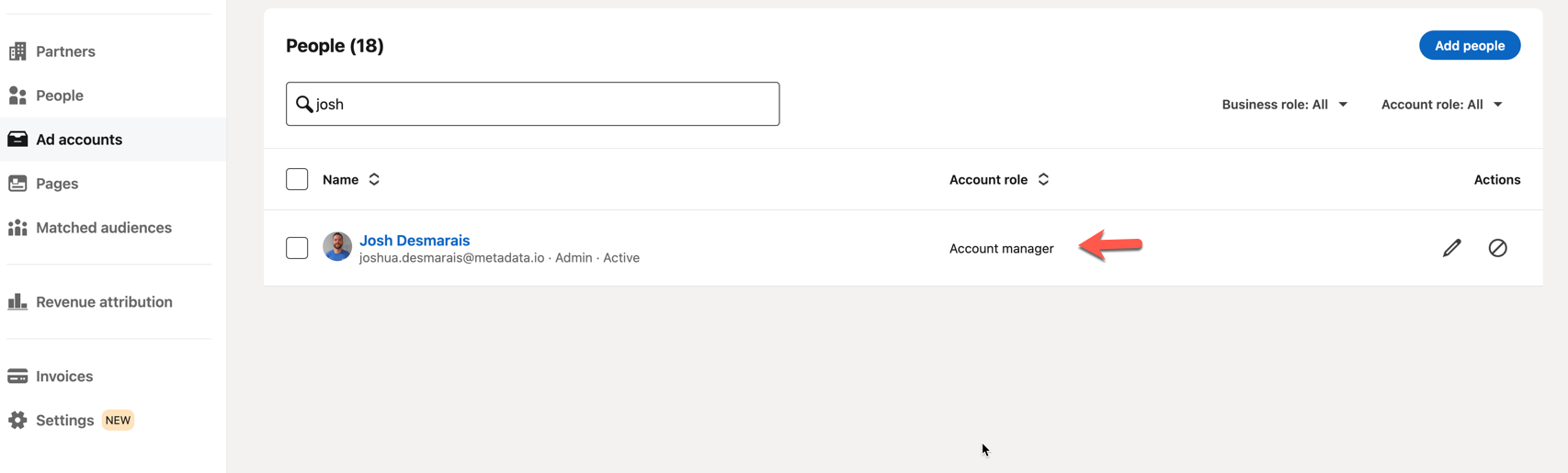 It is not necessary to apply the permissions for sponsored content poster / lead gen manager permissions for MetaMatch at the Company Page level. |
Connect To LinkedIn
1 Initiate Connect
Click on the Integrations tab and then click the "Connect" button on the LinkedIn snippet.
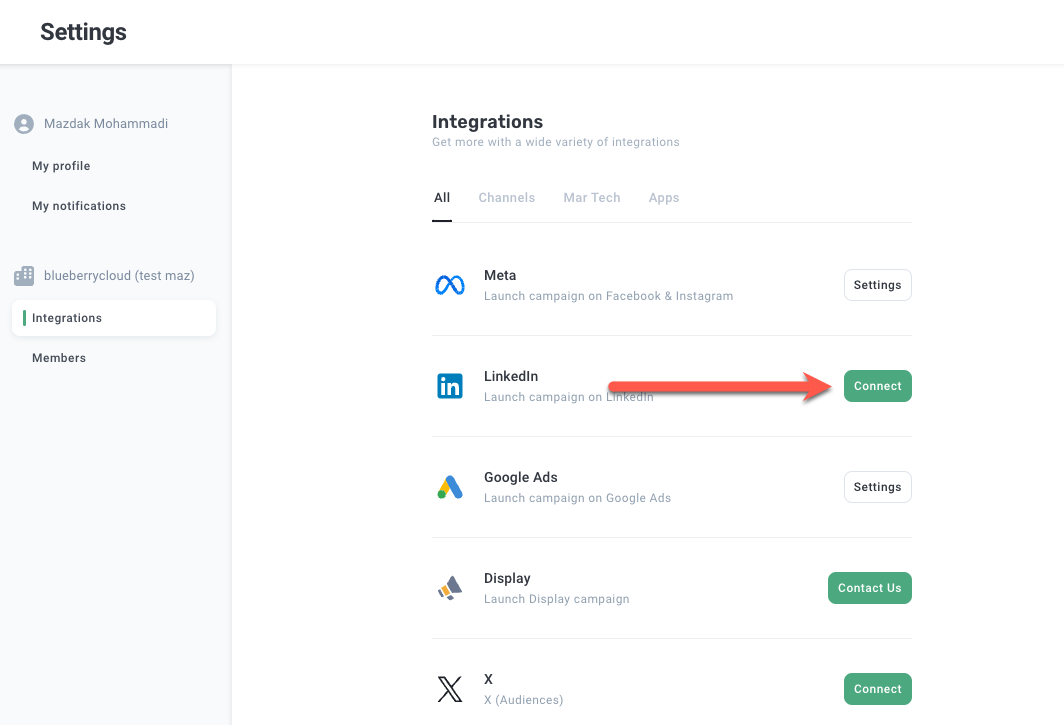
Click Connect.
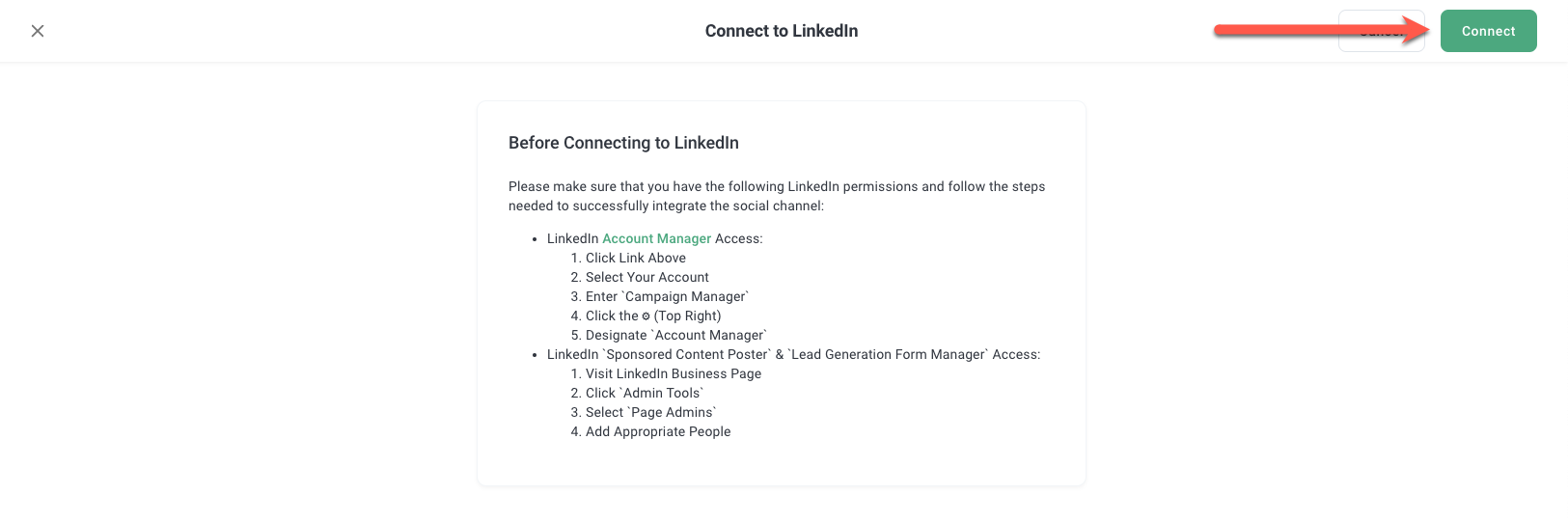
2 Authorize your LinkedIn Account
You will be redirected to login to your LinkedIn account. Enter your LinkedIn password.
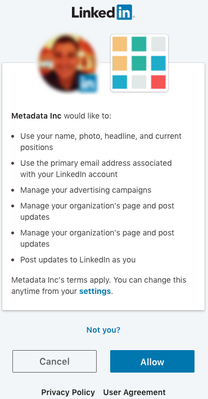
3 Select LinkedIn Business Ad Account
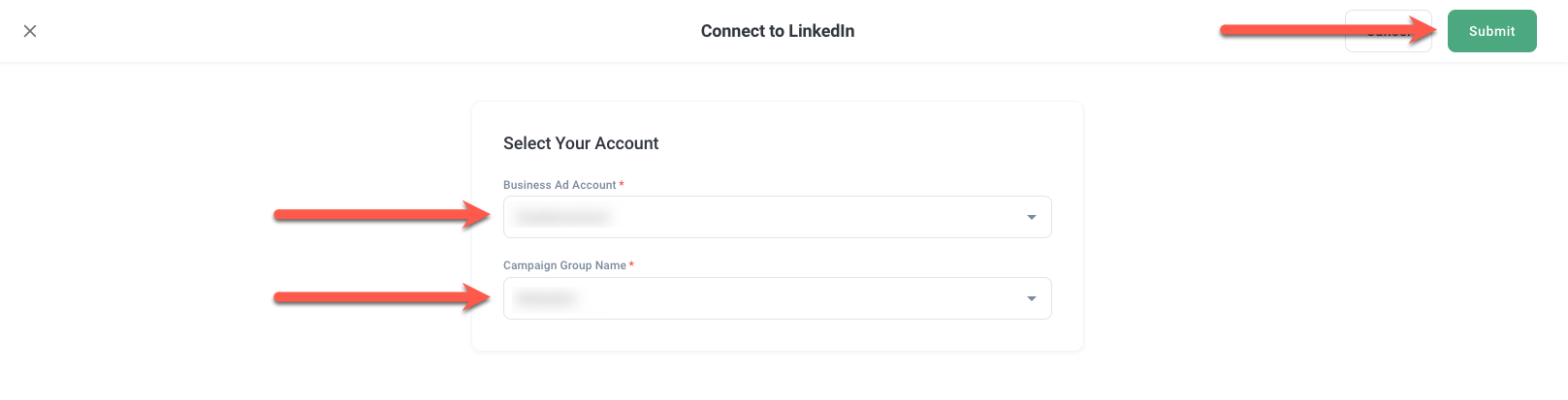
Select your LinkedIn Business Ad Account and Campaign Group, and click Submit.
Note: For Campaign Group you may select any.
Google Integration
1 Initiate Connect
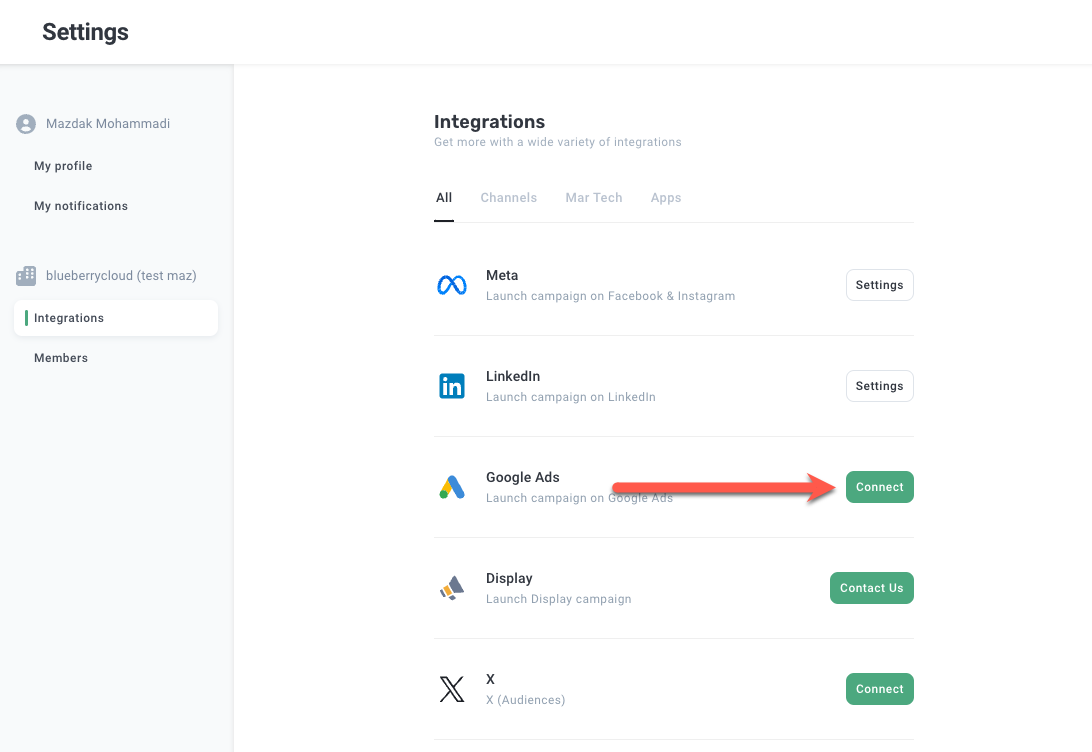
Click on the Integrations tab and then click the "Connect" button on the Google snippet.
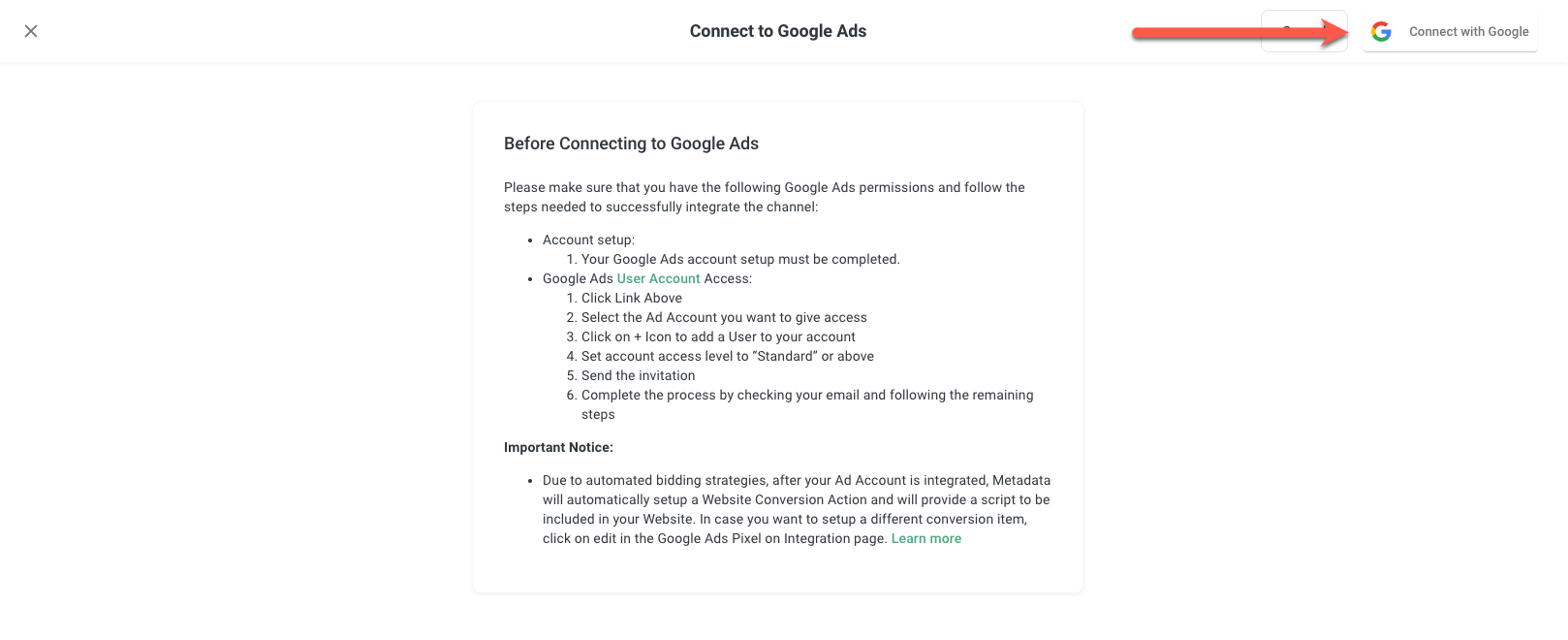
Click Connect with Google.
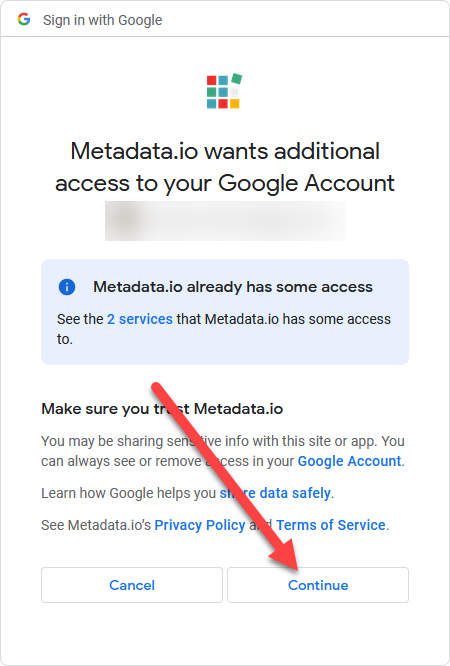
2 Authorize your Google Account
You will be redirected to login to your Google account. Enter your Google password.
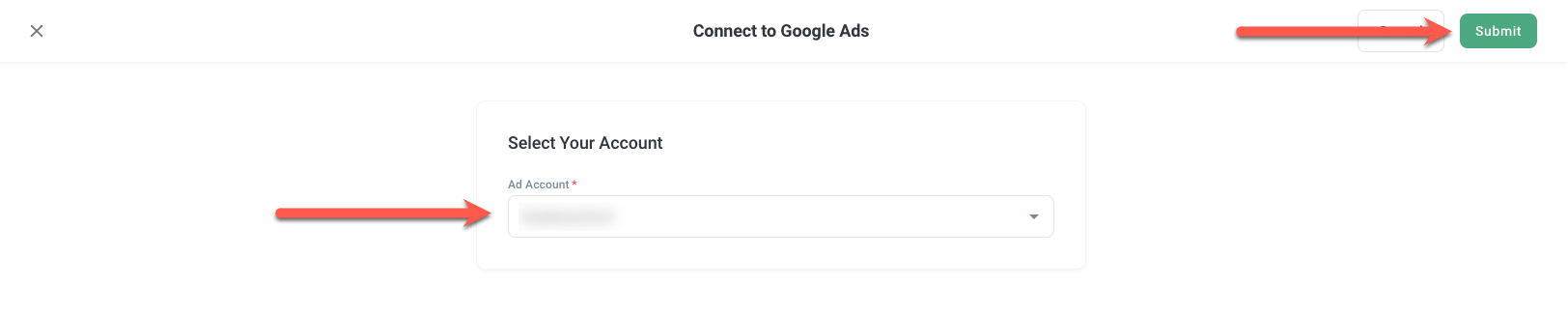
3 Select Google Ad Account
If connected, select your Google Ad Account
Note: If you do not see your Ad Account here ensure you have assigned yourself directly to the Google Ad Account as you will not be able to connect with a MCC (Google Manager Account) account.
Help and Support: Please email support@metadata.io if you're running into any issues.