Create image and video ads that keep your prospects interested:
- Log in to the Metadata platform
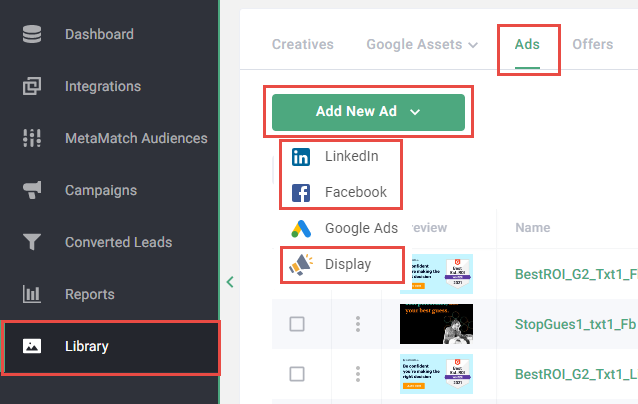
- Click Library on the left navigation
- Click Ads in the upper navigation
- Select Add New Ad
-
Select the ad channel
Note: Image ads are supported on LinkedIn, Facebook and Display. Video ads are supported on LinkedIn and Facebook.
-
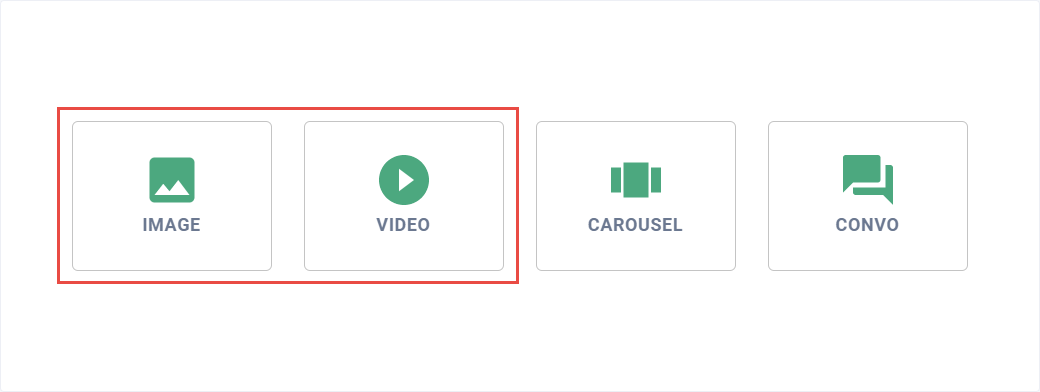
Click Image or Video
Note: For steps on how to add video captions and thumbnails, please read Can I add video captions and thumbnails?.
-
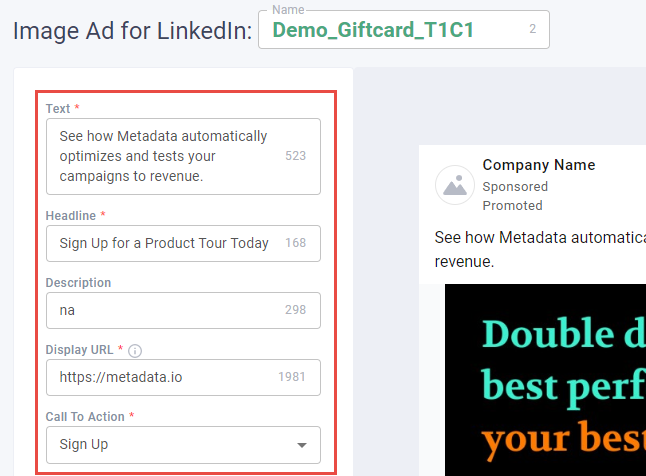
Enter the Name for your ad
Note: Consider using a naming convention for ads: Objective_Message_TextVariation_CreativeVariation. Example of this in practice: Demo_Giftcard_T1C1.
- Enter Text, Display URL, Headline, Call to Action, Description (image ads only)
-
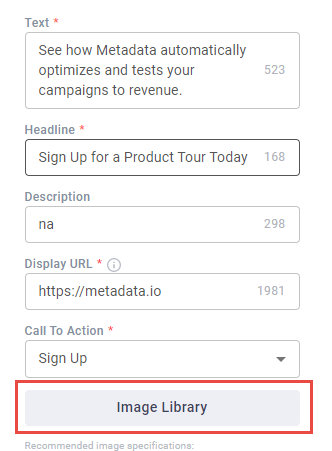
Upload image or video from your library
Note: Read FAQ: Specifications for Creatives for supported specifications.
-
Click Save Draft or Complete to save your changes
Note: Unlike draft ads, completed ads can be used in campaigns but cannot be edited.

Way to go! You can now use your image and video ads in your next campaign.