Read Best practices: Google Ads campaigns for practical tips on maximizing your success with Google Ads campaigns launched through Metadata.
Unlock real-time intent with Google Ads by launching search ads relevant to your target persona.
Launch your Google Ads campaign
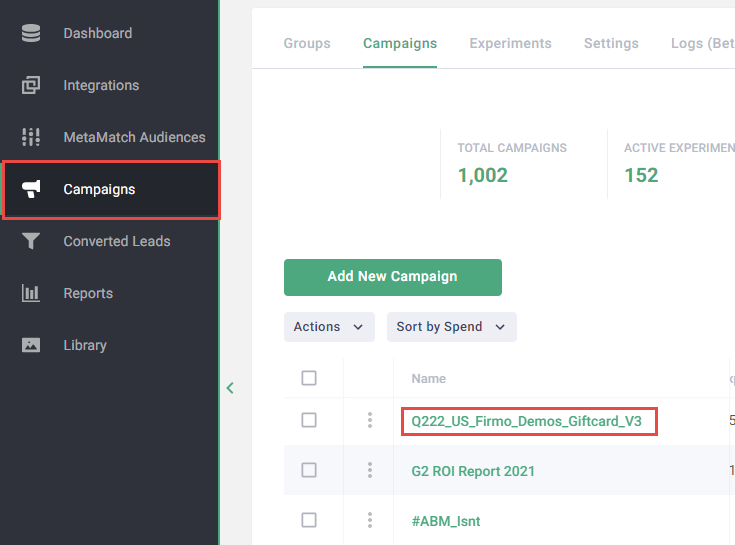
Go to the Campaigns page.
Create a new campaign: Click Add New Campaign > Lead Generation or Brand Awareness.
OR
Update an existing campaign: Click the Name for the campaign you want to add Google Ads to.
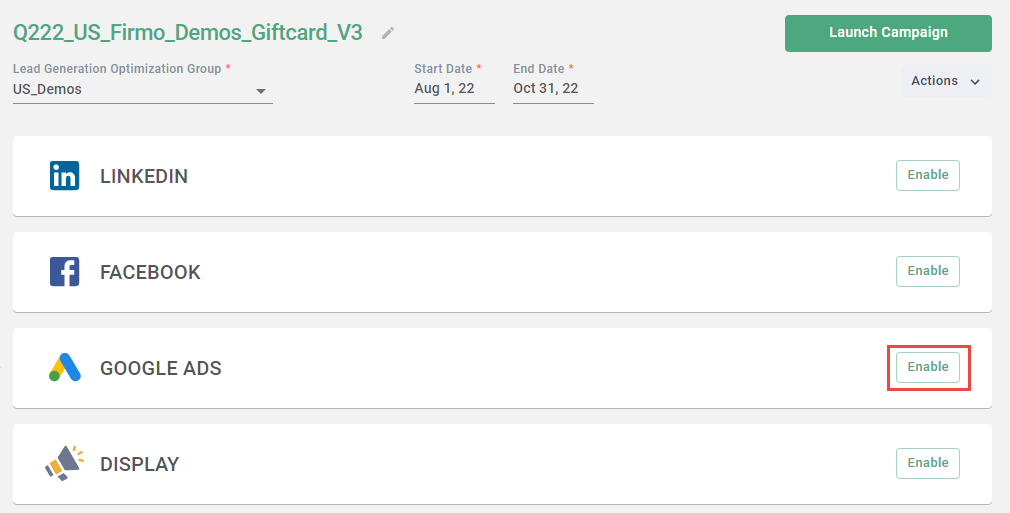
Enable Google Ads.
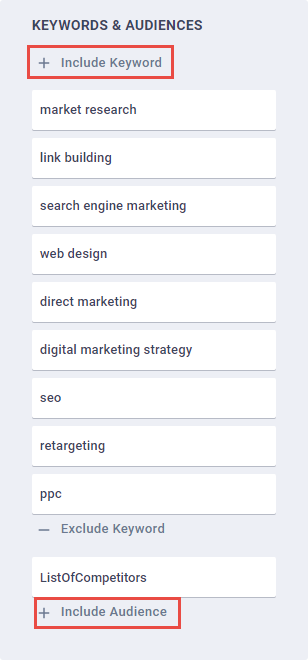
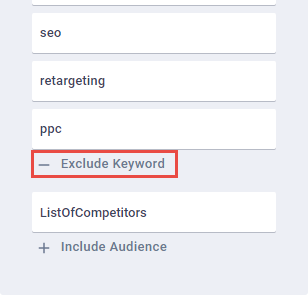
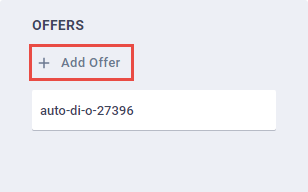
Add positive keywords and audience or Keyword Groups.
Note: Google audiences are limited to first-party sources such as Salesforce audience types.
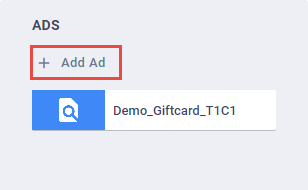
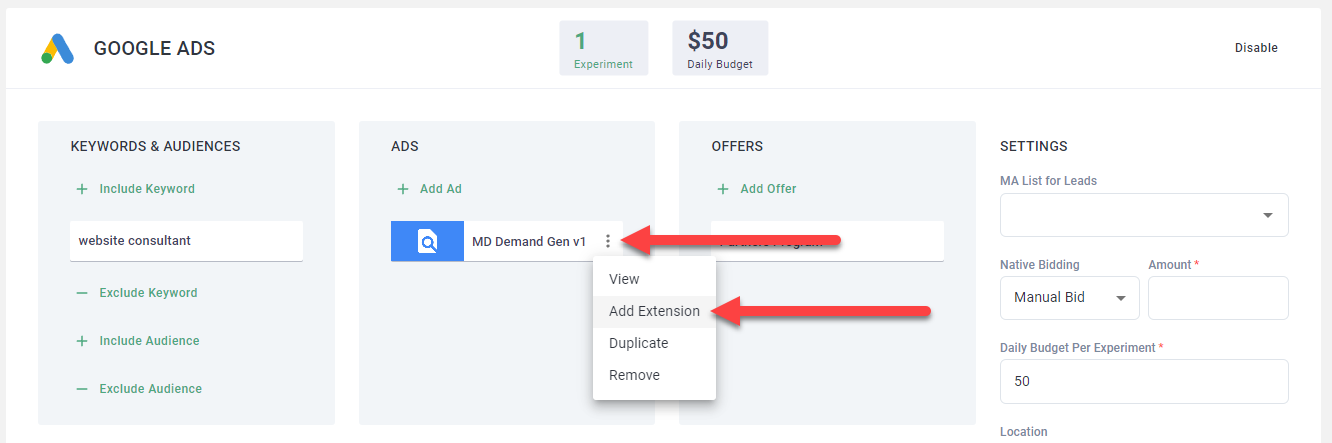
Add campaign-level extensions.
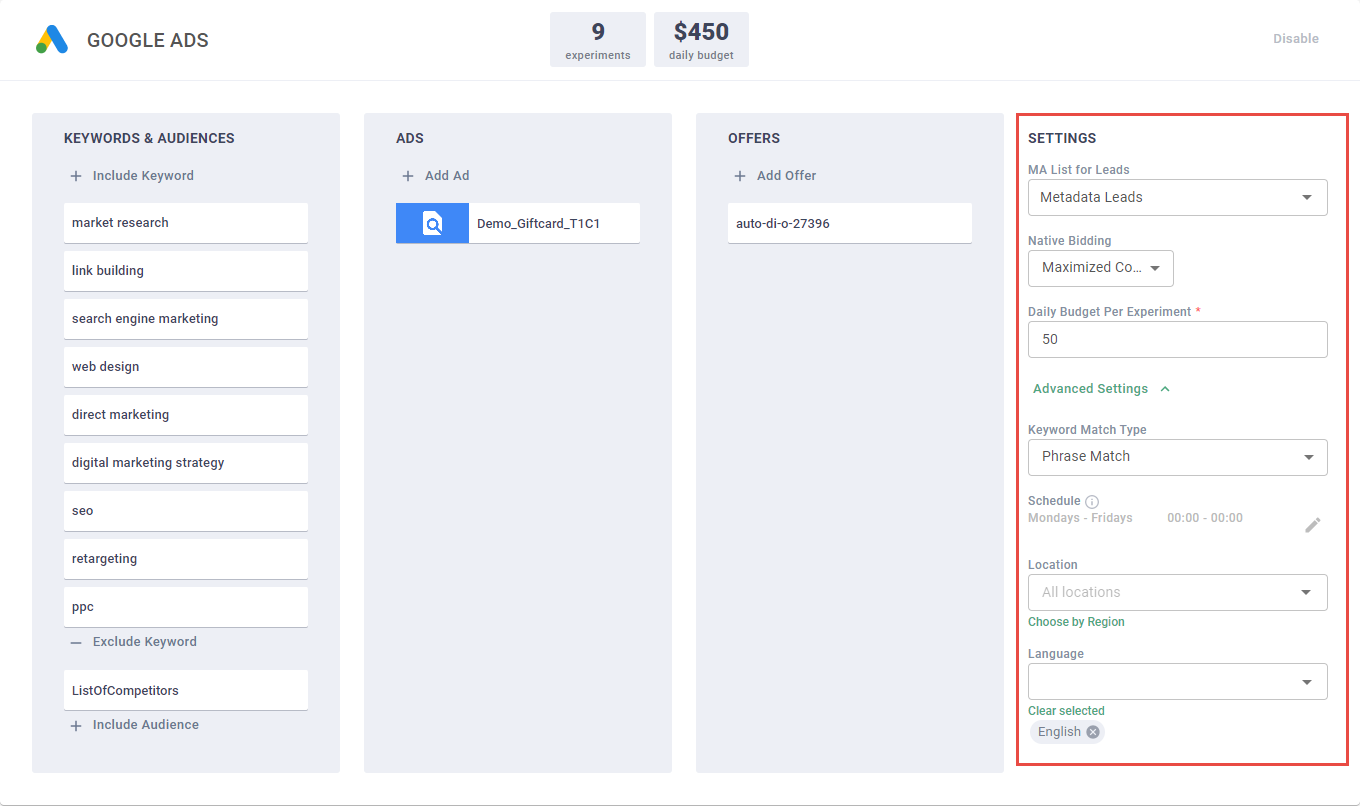
Complete the Settings and Advanced Settings.
Note: Provide a daily budget of $50 - $100 per experiment for the best performance. Daily budgets less than $25 see a significant drop in performance.
Click Launch Campaign.